
Will a browser 3D property tour work on every phone? The device ceiling nobody demos
Key Takeaways
- On the weakest phone that opens it, a WebGL tour can fail to draw and go black mid-walkthrough, a failure the studio that built it cannot reproduce.
- The usual cause is an out-of-memory or lost-GPU-context error rather than a coding bug, so it surfaces only on the buyer's device.
- Under sustained 3D load a mid-range phone throttles itself, so a smooth open can stutter minutes into a walkthrough.
- Pre-rendering the scene ahead of time takes the render off the buyer's phone, so the texture, memory, and heat limits stop applying the way they do to a live render.
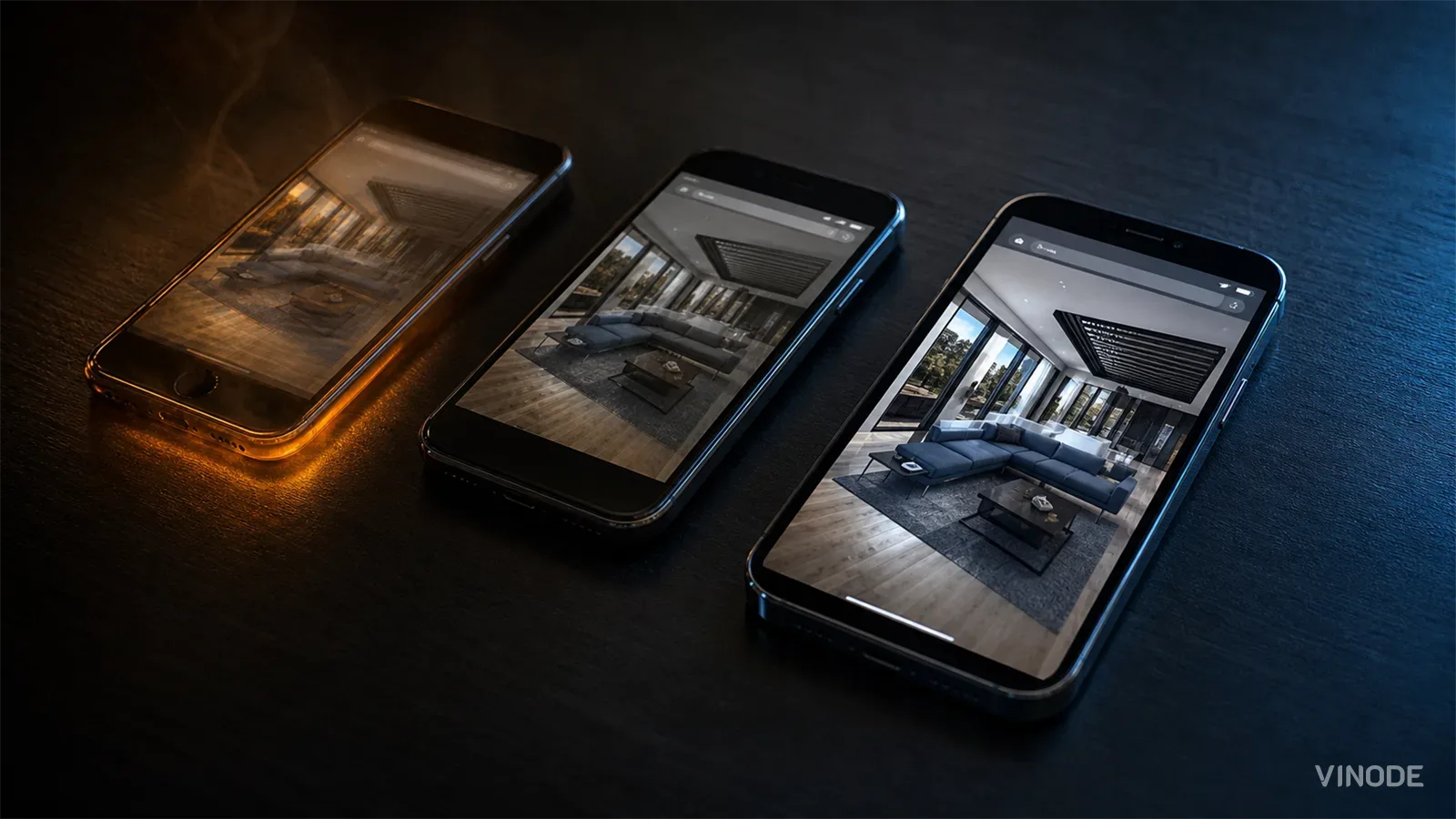
The pitch goes perfectly. The tour opens on the salesperson's iPhone in the meeting, glides through the whole development, and the developer signs. Three weeks later a buyer opens the same link on a two-year-old Android with 4 GB of RAM and a dozen other tabs. Ninety seconds into the walkthrough the canvas goes black, and nobody on the team can reproduce it. The scene that sold the project is the scene the buyer never sees.
This is the failure a "runs in any browser, no app" WebGL tour hides. The tour was never tested on the device that matters, because that device belongs to a stranger.
The ceiling is the weakest phone, and you can't see it from your desk
A browser 3D tour rendered with WebGL or three.js runs on the buyer's GPU, so its real performance ceiling is whatever the weakest device is guaranteed to support. Those guarantees are low. MDN's WebGL best practices list the floor: a guaranteed MAX_TEXTURE_SIZE of 4096, eight texture image units in a fragment shader (MAX_TEXTURE_IMAGE_UNITS), and eight varying vectors between shader stages (MAX_VARYING_VECTORS) (MDN WebGL best practices).
Judge a tour by the floor it has to run on. A scene that leans on a 16384-pixel texture or a dozen texture units looks flawless on the machine it was built on and simply fails to draw on hardware that only promises the minimum. The guarantee sets a floor; content authored above it has no promise at all on the buyer's phone.
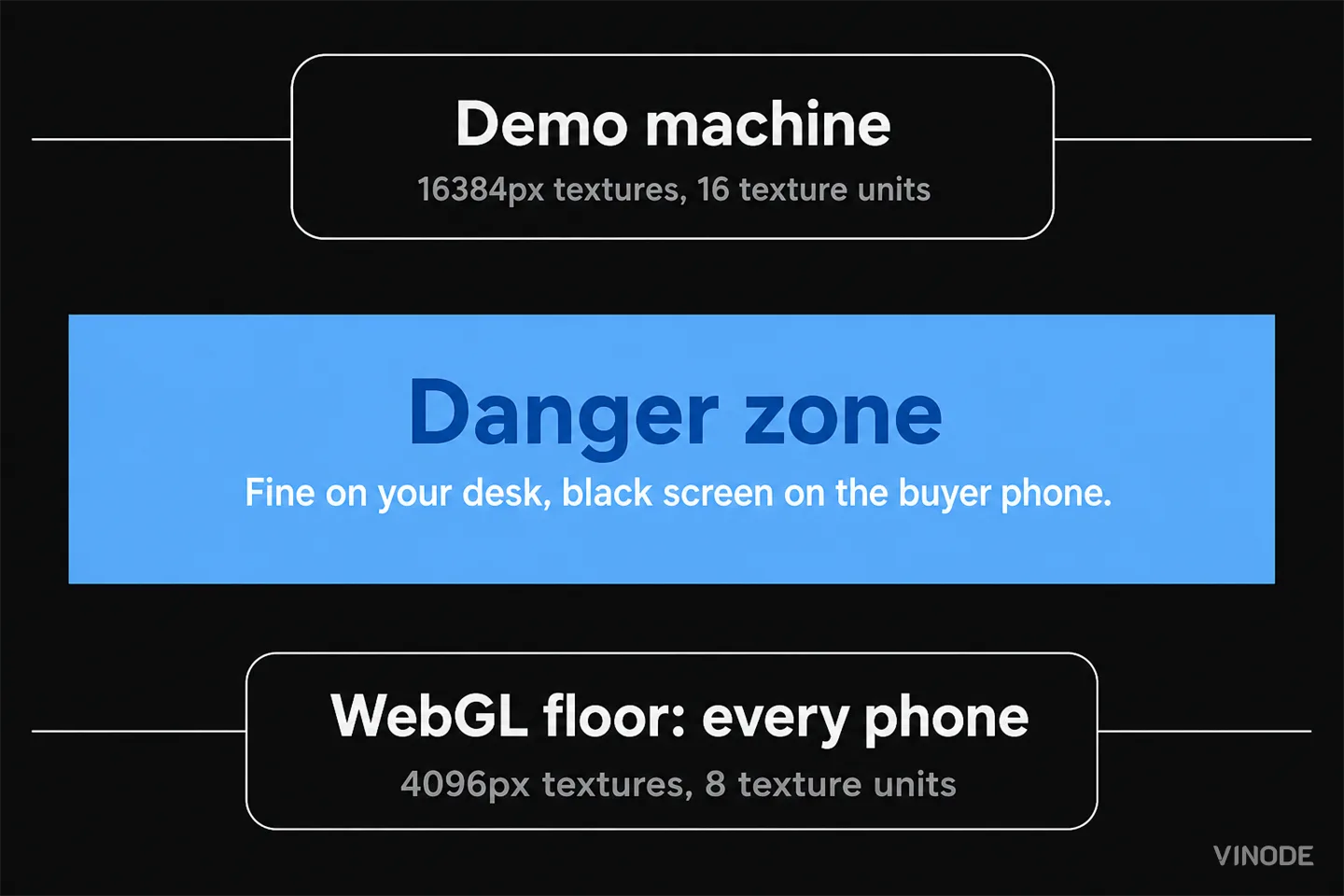
Your desktop may support 16k textures, or maybe 16 texture units in the vertex shader, but most other systems don't, and content that works for you will not work for them!
Resource failures the studio's test suite can't catch
A correctly written WebGL page has exactly two failure modes it can report: OUT_OF_MEMORY and CONTEXT_LOST (MDN WebGL best practices). Both mean the device ran out of a resource, which is why they surface in the field and stay invisible in the studio, where the test hardware never runs low.
Context loss is the one people underestimate. Losing the GPU mid-session is a routine browser event that the browser triggers deliberately. MDN's isContextLost documentation lists the ordinary triggers: two pages together demanding too much GPU so the browser drops one context, a laptop switching between its integrated and discrete GPU, another tab running a long GPU operation that forces a full reset, or a graphics driver updating while the tour is open (MDN, WebGLRenderingContext.isContextLost()). Each one takes the scene down through no fault of the scene.
Memory is the other wall, and MDN hands you the arithmetic. Borrowing a technique from the Google Maps team, it prescribes a per-pixel VRAM budget: pick a VRAM ceiling for your target device, multiply the drawing-buffer width by the height (both scaled by devicePixelRatio) to get the pixel count, then divide to find how much memory each pixel can afford (MDN WebGL best practices). A full-resolution real-estate scene, geometry plus textures plus shadow maps, blows past that ceiling on a 3-4 GB phone, and the result is an out-of-memory error or a lost context: a black rectangle where the apartment used to be.
A tour can survive context loss, but only if the embed listens for webglcontextlost and webglcontextrestored, then re-uploads every texture, buffer, shader, and program from scratch. That handler is real engineering work with no visible payoff on the demo device, so it is the first thing cut on a cheaper job. Ask to see it. If it is missing, the first buyer who switches apps mid-tour gets a frozen canvas.
The opening frame rate flatters the phone
The number a vendor shows you is the opening frame rate, measured cold. It is the wrong number. Mid-range phones down-clock under sustained load: as the SoC heats up during a walkthrough, it throttles its own clocks to protect itself, and the sustained frame rate settles below the cold opening number. The mechanism is measured. A peer-reviewed study of commercial mobile platforms (Bhat, Gumussoy and Ogras, IEEE DATE 2019) instruments the power and thermal behaviour of a real phone and builds a controller that trades performance away to manage heat (arXiv:1904.09814).
Why does it hit mid-range hardware hardest? Budget phones ship simpler cooling, without the graphite pads, copper layers, or vapor chambers a flagship uses to move heat off the chip, so they throttle sooner and deeper. The exact drop depends on the phone and the scene, but the direction is dependable: sustained 3D load makes a mid-range phone slower the longer it runs.
The promise has a price, and every device pays it
None of this means WebGL is broken. It means the promise carries a cost, and that cost is paid one device at a time. Making a heavy scene behave on the median phone means detecting the device tier at load, shipping GPU-compressed textures in KTX2 or Basis so each GPU family transcodes its own format, halving texture resolution on weaker hardware, capping devicePixelRatio, cutting shadow maps, and holding the mobile draw-call count down through mesh merging and instancing. Skip any of it and the scene still works on your desk, which is exactly the trap. The bill for skipping it comes due on launch day, when concurrency peaks, the sales-office wifi is saturated, and every phone in the room is already warm.
Pre-rendering moves the render off the phone
Everything above binds a live scene because the buyer's GPU is doing the rendering in real time. Change when the rendering happens and the ceiling stops applying the same way. Vinode renders scenes ahead of time in Unreal Engine, the same engine a real-time vendor would reach for, and streams the result as pre-baked video with lightweight interactive layers over a CDN. The phone on the other end is only decoding video, and even low-end SoCs handle that in dedicated, power-efficient hardware. The texture-unit floor, the VRAM budget, and the thermal cliff do not bind a video surface the way they bind a live render.
In Vinode's own testing a page settles in around two seconds, against roughly six for an equivalent on-device WebGL build and about twelve for in-browser Unity. These are Vinode's own comparison figures rather than an independent benchmark. The honest framing for load time across projects is "around a second to two seconds" rather than a single universal figure.
The heavy render happens once, ahead of time, so a mid-range phone decodes video instead of driving a live GPU.
Across roughly 56,000 mobile sessions on our developments, the average mobile session runs about two minutes (1.8-3.0 min by project), not a bounce. That is the 'reaches the weakest phone' claim in real usage. Anonymized aggregate, from our own GA4.
Source: Vinode measurement - as of
Safa Al Fursan, a development Vinode built in Riyadh, covers 67,000 square metres across 25 buildings and 528 units. Vinode describes it as a lag-free digital twin with one-thumb navigation across all 528 units on a phone, and an offline kiosk that flies over the whole site without a dropped frame. A live WebGL scene of that size is exactly the workload that would exhaust texture units or run a mid-range phone out of memory. Streamed as pre-rendered video, its weight sits on the pipeline that produced it. The buyer's phone only plays the result.
When the live render still wins
An honest evaluation has to name where this trade goes the other way. Pre-rendering only covers the options someone rendered ahead of time. When the interactivity a buyer needs is genuinely unbounded, an infinite space of material and layout combinations, or a live collaborative design review where two people edit the same model at once, a real-time WebGL or pixel-streaming engine still earns its GPU cost. There is no pre-baked video for a state that does not exist until the user creates it.
Most off-plan residential is not that. The buyer picks from a short list: a handful of finishes, a parking choice, a kitchen, a floor. River Residence runs exactly that kind of in-app configurator, switching interior styles and purchase options on a pre-rendered model, with no live GPU spun up per viewer. That kind of bounded, finite menu is the case pre-rendering was built to serve.
Match the render to the interaction
Pre-render and stream
Best when buyers pick from a fixed set of options: units, finishes, viewpoints. Reaches the weakest phone, keeps running with no network, and serves the thousandth viewer at roughly the cost of the first.
Live real-time render
Worth the per-viewer GPU only for genuinely unbounded interaction, such as infinite configurations or two people editing the same model at once, on hardware you control.
How to judge one before you buy
The deeper decision is architectural, and it sits upstream of any tour you are shown: ask where the render happens. If it happens on the buyer's device, you are buying a per-device budget you will have to fund and can never fully test. For the cost side of that choice, see pixel streaming versus pre-rendered 3D; for the page-speed and Core Web Vitals angle, see do 3D property tours hurt Core Web Vitals.
But you do not need to settle the architecture debate to protect a launch. Do one thing first. Open a live project on the cheapest Android you can find, with a few other tabs running, and keep moving through it for two minutes while the phone warms up. Watch what the frame rate does after the first minute, then background the app and reopen it to see whether the tour survives losing its GPU context or comes back as a black rectangle. Those two checks tell you more than any demo.
See it on the worst phone you own
Open a live Vinode project on a mid-range phone and judge it by its floor, not a demo.

Masterplan 3D for Phased Estates: How to Show Phase One Without Overselling Later Phases
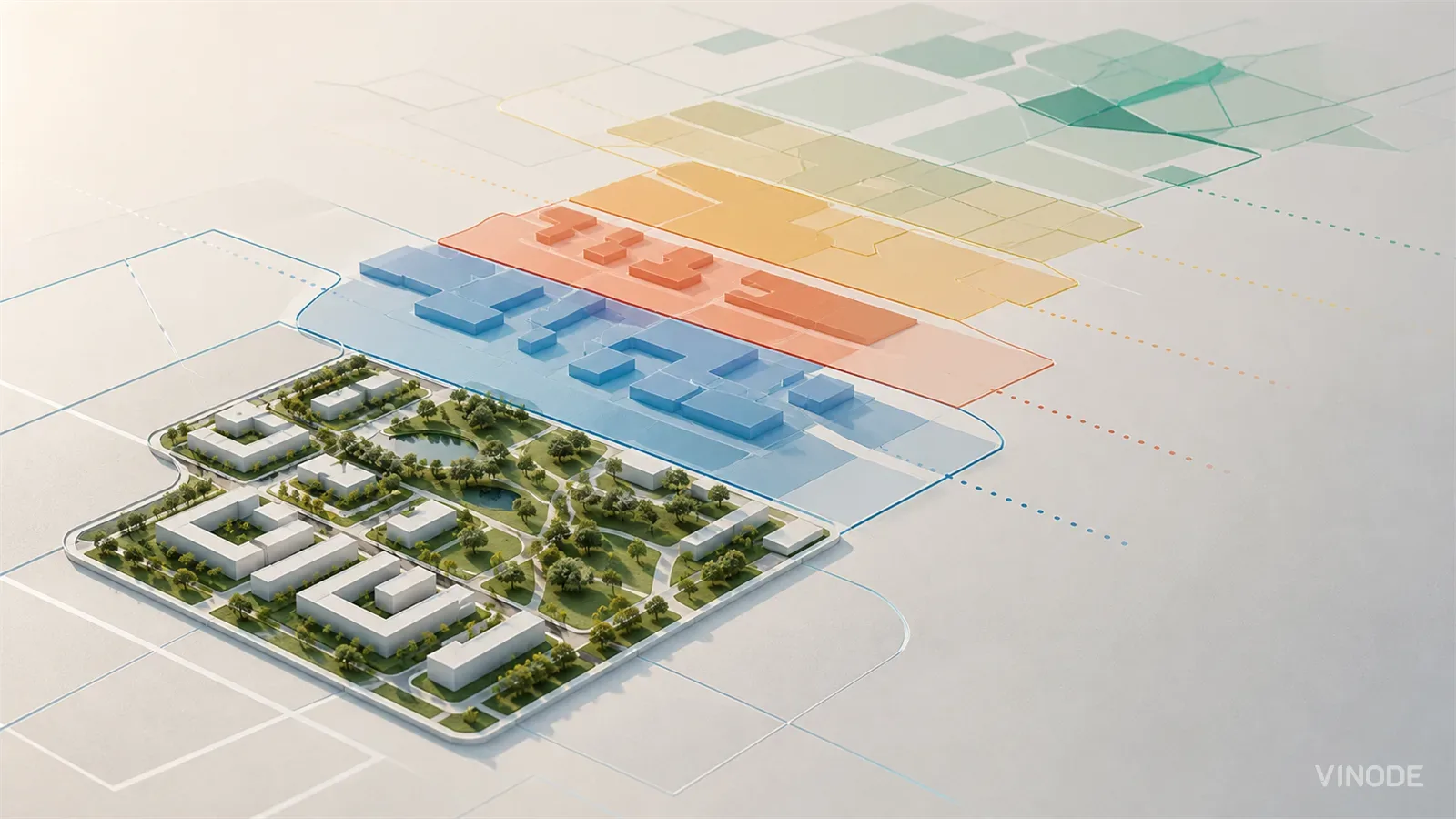
A phased estate contains several levels of certainty at once. The masterplan should make that difference visible, then absorb a later-zone redesign without discrediting the phase-one material buyers already saw.

Why rendered glass façades read as fake: the optics of IGU deflection
Archviz glass reads as fake for a reason no roughness slider reaches. Real curtain-wall panes are slightly bowed, each one differently, so adjacent panes reflect the sky at slightly different angles. A render's panes stay flat because the CAD geometry is flat, and that flatness is what the eye catches.

Off-Plan Rendering: What Reaches the Buyer
A new marketing manager inherits 140 JPEGs, one MP4 and no model. Everything the 3D model knew about the units stayed on an artist's workstation, and three vendors are about to rebuild it by hand. What reaches the buyer depends on what leaves the studio.