
How to brief a 3D rendering studio before work starts
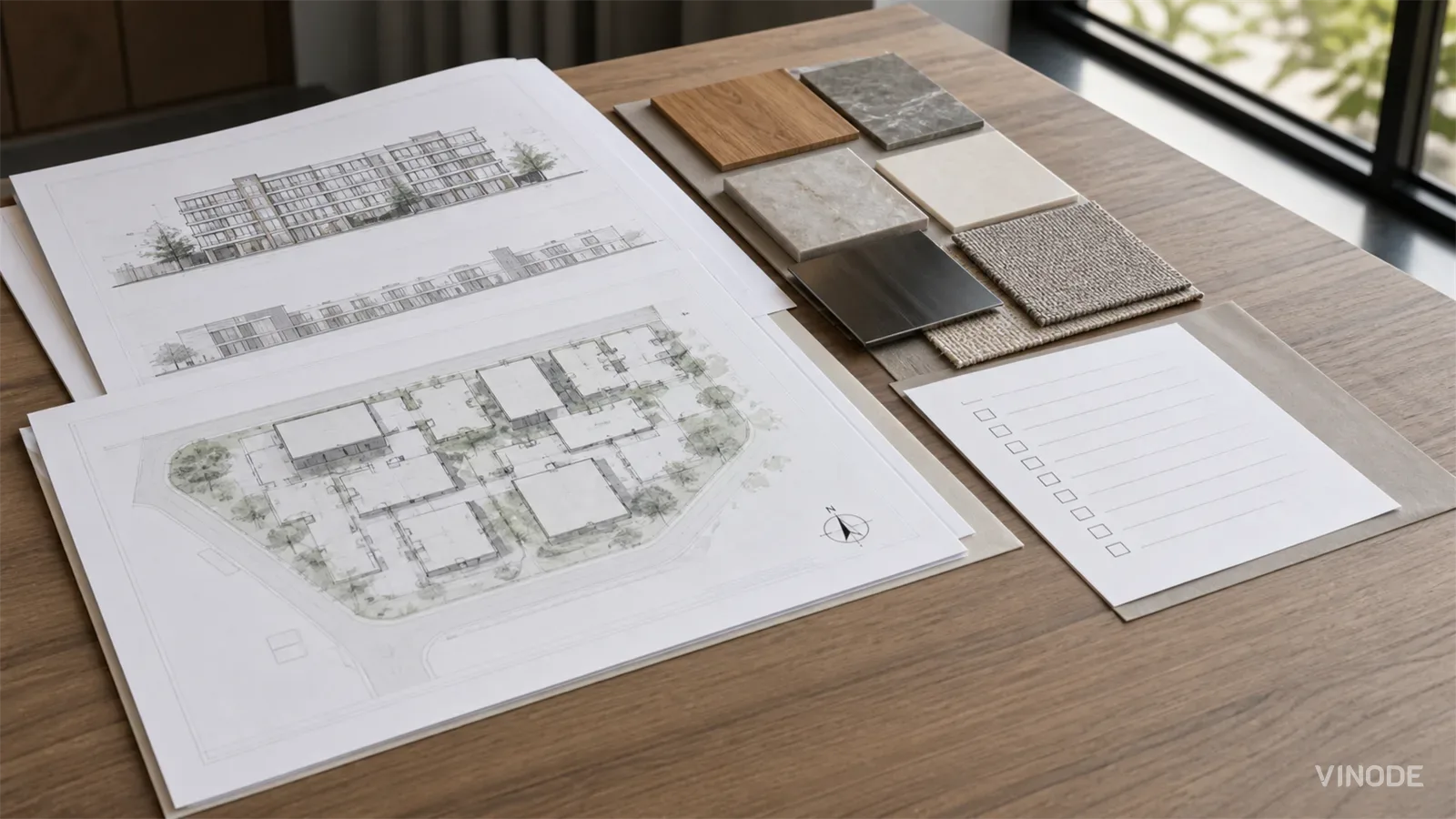
Image co-authored with help of AI for illustrative purposes
Key Takeaways
- Most revision rounds pay a studio to discover facts the developer already had on file.
- Send geometry, site boundary, levels, and true north before finishes or shot choices.
- Landscaping and neighbouring context are often vague in the brief, then obvious when the image is wrong.
- Separate missing facts from art direction before feedback is sent.
Third round of feedback on an exterior set came in on a Friday from a client's marketing lead, and the first comment said north was on the other side. The correct orientation had been on the site plan in her office the whole time. Two rounds of lighting, every exterior camera, the balcony shadows we had argued about, all rebuilt around a fact the developer had on day one. The launch date did not move. It never does.
A useful 3D rendering brief sends known facts before production, with the hardest things to change handled first. This keeps revision time for mood, framing and the visual choices that can make sales image better.
The seven things a rendering brief needs
- Geometry and orientation: current drawings or model, levels, site boundary and confirmed true north.
- Context: what is next door now, plus approved or consented changes that must appear.
- Finishes: the current material schedule, with every open choice marked as open.
- Landscaping: hard and soft landscape plans, species where selected, and intended maturity.
- Shot intent: the image list, channel, use and aspect ratio for each shot.
- Approvers: one person who can say yes, plus the person who can overrule them.
- Unknowns: decisions that are genuinely not made yet, with an owner or expected date if known.
This is the order we use. It is our production judgement, because a missing north point causes more rework than a late choice about which image leads a brochure.
Facts are not art direction
Taste feedback changes the image as an image. Make it warmer. Move camera lower. Lead with the courtyard shot. This is real art direction, and it belongs in a revision round.
Fact feedback changes the thing being shown. The parking is decked. That window is smaller. The approved paving is limestone. The studio has to change the scene, check what else the change touches and render again. If the supplied model or schedule held the right fact and we missed it, that is our fix. If the fact appears for first time in feedback, it is new input. Seperate those two before sending the round.
Geometry and orientation come first
Send the current drawings or model, levels, site boundary and true north. We accept sources developers already use, including Revit, ArchiCAD and AutoCAD. Orientation may sit inside the project file, but it still needs confirmation.
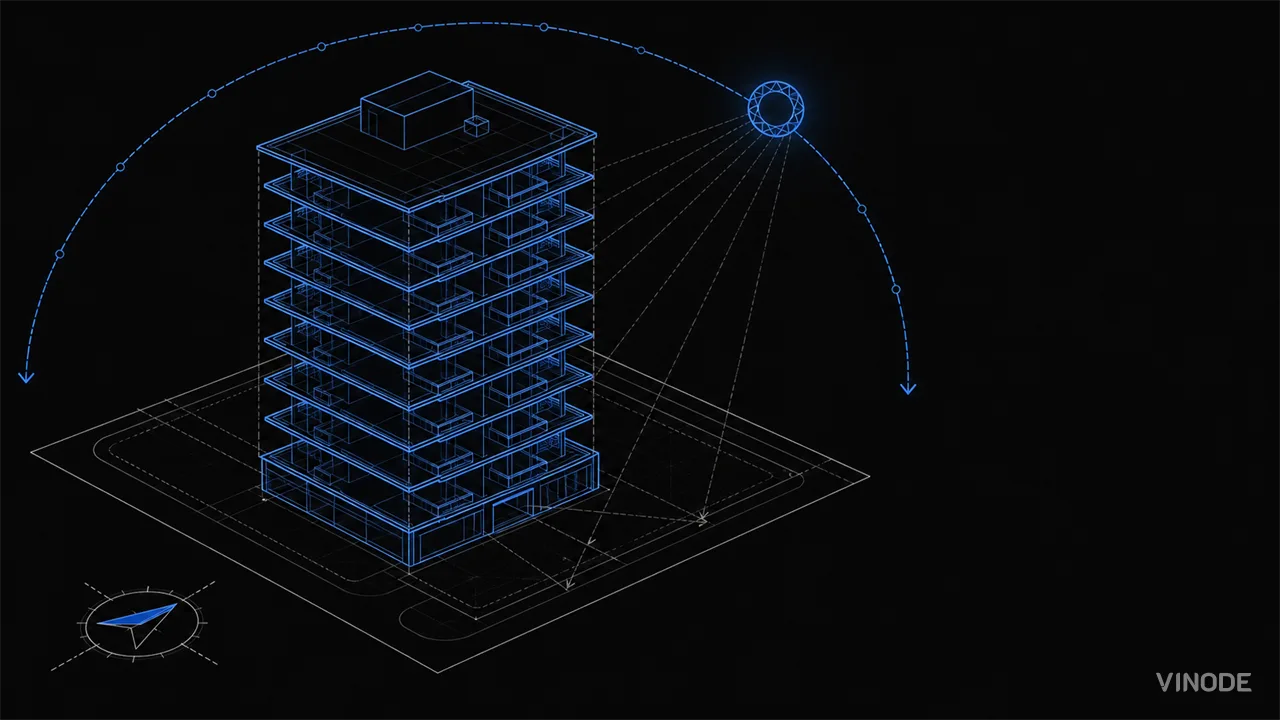
True north sets the sun path. That shapes shadows, reflections and which camera positions work. Change it after lighting is set and every exterior shot needs new work. This is why orientation comes before a discussion about warmth or framing.
Context must describe the real site
In our work, missing context is a common source of the sentence, "this doesn't look like the site." A studio can make a plausible neighbour, road edge or horizon. A plausible guess is still wrong when a sales image must show the place a buyer will visit.
Send what is next door now and what is approved to appear there. The question changes with the project. For Kozielska Park in Katowice, context includes specific surrounding buildings. For +Colonia in Uruguay, it includes landscape and masterplan phasing. Both folders may say "context", but they ask for diffrent work.

Finishes and landscaping need real detail
If finishes are approved, send the real schedule. If they are still moving, mark the render as indicative and name what is open. An unknown is workable when it is clearly labelled. A confident-looking specification gives us no reason to treat it as a guess.
Landscaping is often recieved as "some trees", yet it controls much of an exterior foreground. We need the hard and soft landscape split, species where selected, and intended maturity. A young tree, a mature screen and a planting bed change sight lines and composition. Adding the real scheme later means rebuilding foreground.
I would rather recieve a short list of open questions than a polished brief full of guesses.
An early shape-and-volume study may happen before exact finishes or a final landscape scheme exist. Do not fake certainty. Mark the image as indicative and list what may change. The full checklist is for sales visuals expected to match a defined scheme.
Shot list, approvers, and open decisions
A website hero, portrait social asset and brochure spread do not share one safe composition. Give each requested image a channel, purpose and aspect ratio before cameras are placed. Otherwise the studio may make a strong wide image that fails in the narrow space where marketing needs it.
Name who approves images and who can overrule that approval. One late overrule can reopen choices the team treated as settled. Then attach the unknowns: a finish still under review, neighbour awaiting consent, or landscape package due later. Label each open point clearly so the studio knows where it may need to adapt the scene.
Use revision rounds for the image
When images arrive, the separate render review and sign-off checklist covers the output side. For how renders fit with tours and interactive pages across a launch, see 3D visualization for property developers.
Before commissioning, build one folder in production order. Do not sort it by what was easiest to find in email. This will not remove revisions. It changes what they are for.
Use first round to choose the image, not to teach the studio what the project is.
Bring us the facts before the first camera
Send the current model, site context and what is still undecided. We will scope the rendering work around the real state of the project.


How to Move a Live Property Launch Off a Spreadsheet
Three weeks from launch, new enquiries were going into a spreadsheet tab called new leads 2. Move new leads and current unit data first, let old deals finish where they started, and leave the historical import until later.

AI Property Imagery in 2026: A Trust and Governance Playbook for Developers
A label tells buyers that AI touched an image. It cannot tell your team which design revision supports the image, who approved its claims, where it is live, or how to withdraw it.

How to commission a development flythrough (and what to measure)
A sales director is asked by his board which reservations the launch film brought in, and cannot name one. What a flythrough can actually do, how to commission it so a later design change is one re-rendered shot, and what to measure instead of views.