
From a Revit or ArchiCAD model to a browser sales experience: what actually happens to your file
Key Takeaways
- A raw BIM file arrives grey because it carries dimensions and assemblies, not the photoreal look, and no export setting adds it.
- The vendor rebuilds materials, lighting, and staging by hand from your geometry, so the file format you send barely matters.
- The finished scene is pre-rendered and streamed as video, so the buyer's phone plays it back instead of computing it.
- Unit price and availability live in the sales CMS, and the file's condition governs the timeline more than its size tier.
The first time a developer sees their building "on the web," it usually looks broken. The architect's Revit model was gorgeous inside Revit. On the preview link it arrives grey and flat: walls the colour of wet cement, the marble lobby rendered like poured concrete, the landscaping simply gone. The reflex is immediate and reasonable. Something in the export must have failed, and there has to be a setting that fixes it.
There isn't. The grey is not a bug. It is the honest output of a file that was never built to sell anything.
Why raw BIM arrives grey
A Revit or ArchiCAD file is a construction document first. It carries dimensions, parameters, schedules, wall assemblies, and MEP runs, the data a contractor needs to actually build the thing. What it does not carry, in any portable way, is the photoreal look you would put in front of a buyer.
Watch what happens on even the best-supported route from Revit into a real-time engine. Epic's own Datasmith importer translates only a subset of Revit materials: diffuse maps and colours, transparency, cutouts, and bump settings. It does not convert procedural textures such as Checker, Noise, and Tiles, and by Epic's own documentation "parametric settings and constraints are not carried over." So the surfaces that read as rich stone or timber inside Revit land in the new scene as flat placeholder colour.
Send the model as IFC instead and the problem shifts rather than disappears. IFC is an open format for moving geometry and building data between tools; its own texture entity is a basic 2D image map, not a photoreal material system. Whichever way you export, the lit, staged, sales-grade look has to be built after the model lands. None of this is specific to Vinode; it is simply what these geometry-and-data formats were designed to carry, and a grey first look is that design behaving exactly as intended.
Developers keep asking me which export box unlocks the photoreal look. There is no box. Every good render you have ever seen was staged by a person after the model landed, and the studios that pretend otherwise are the ones to worry about.
"Which file do I send?" is the wrong first question
Most owners pour their energy into the export decision: IFC versus native RVT, whether FBX is safer, whether the file is simply too heavy. It feels decisive, the way picking the right export is when you run the software yourself.
Here it mostly isn't. The materials get rebuilt no matter what you send, so the format only governs how accurately the geometry transfers and how cleanly your unit data comes across. Native RVT keeps the most geometric fidelity; IFC gives up some tool-specific detail as the price of being neutral. In practice the safest move is to send the most complete version of the model you have and not agonise over which container it ships in.
What actually happens to your model, and who does it
The useful way to picture the handoff is reuse plus remodel. Your file is reused as the base: the massing, the floor plates, the geometry, the spatial layout. On top of that base the sellable scene gets built. It is re-lit and re-materialed, staged with furnishings and landscaping, and tuned until it reads as a place a person could live rather than a diagram of one.
The part worth being explicit about is who does that work. It is not a task the vendor quietly hands back to you or to your architect. Enhancing an existing model, or building one from scratch, is part of the service. You are not expected to deliver a render-ready scene; you deliver the source, and the studio does the remodeling. Afterwards the ownership flips the other way: you self-maintain the unit data and pages through a no-code editor, with no developer needed for everyday changes.
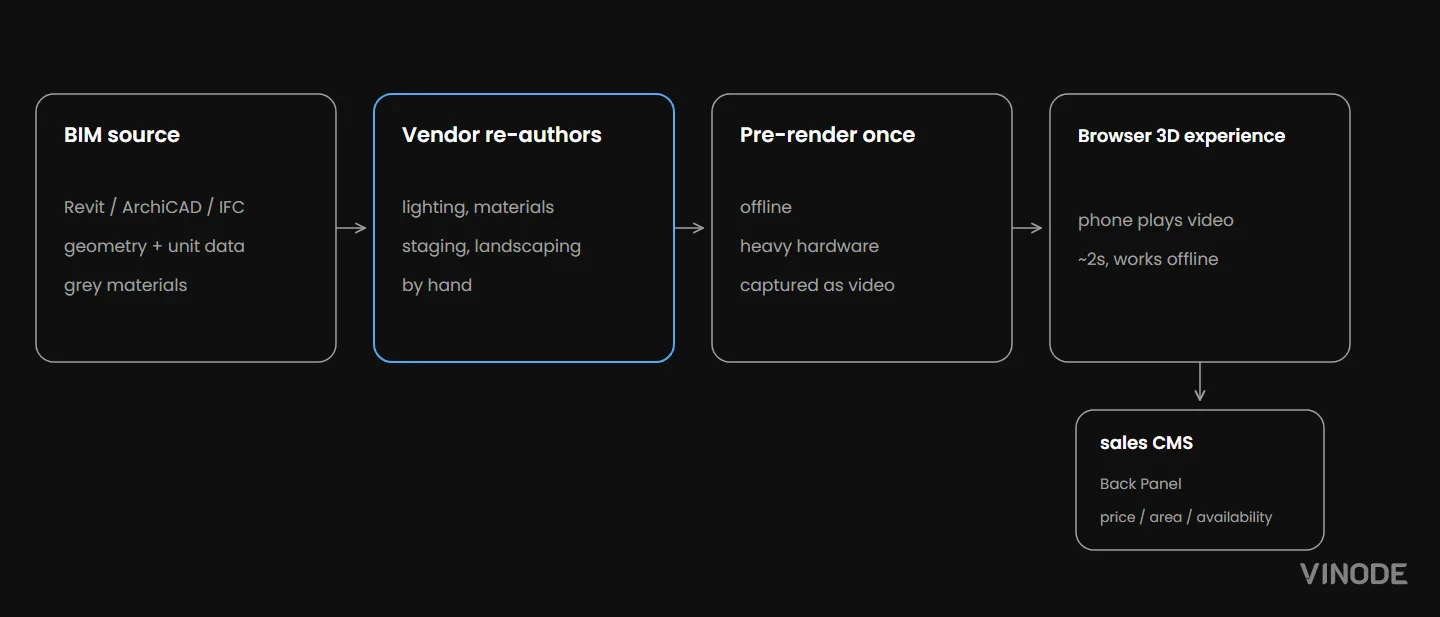
What carries over, and what gets rebuilt
Reused from your file
Massing, floor plates, geometry, spatial layout, and unit dimensions. Your model is the base, so nobody starts from zero.
Re-authored for sales
Lighting, materials, staging, landscaping, and the photoreal finish. None of it lived in the BIM file, so all of it is built on top.
Why the finished scene is rendered ahead of time
A construction-grade BIM model is heavy. Packed with every assembly and parameter a builder needs, it can grow large enough to strain the workstation it was authored on. Now imagine handing that same file to a buyer's three-year-old phone, in a sales office, over patchy Wi-Fi, and asking it to draw a photoreal building in real time, every frame computed on the device itself. It cannot, and no amount of optimisation makes that comfortable.
So the render happens once, in a photorealistic rendering engine on powerful hardware, before anyone opens the link. That result is captured as video and streamed to the browser with lightweight interactive layers sitting over the top. The buyer's device plays that video back rather than computing a 3D world from scratch, which is why the page opens in about two seconds, runs on a modest phone without cooking the battery, and keeps working offline as a sales-office kiosk. The approach holds even for the largest developments, where a live engine would fall over: because the device is only doing playback, a 25-building masterplan opens on the same phone as a single tower. The full argument for that tradeoff, and the load-time comparison behind it, lives in a separate post: why pre-rendered 3D beats real-time.
Vinode's own figure for a full 3D project on an ordinary phone, because the heavy render already happened offline.
At the top of the range, this is what "heavy scene, light delivery" looks like in practice.
What does not ride along: your unit data
Here is a fair assumption that turns out to be wrong. Because a BIM model is full of structured data, area, level, room counts, it seems natural that price, availability, and floor would flow straight from the model into the filters buyers use. They don't, at least not automatically.
The unit data that powers the smart filters and the per-unit brochures lives in the Back Panel, Vinode's sales CMS, and your team enters and edits it there. That is deliberate: pricing and availability change week to week, and you want them living in a tool your sales team can edit today. A model file exported months ago would lock them to whatever was true on export day. So your data does drive the filters. It just doesn't arrive by riding along inside the model, and nobody should promise you that it will.
If a vendor claims your BIM metadata will automatically become the price, area, and availability filters buyers see, press on it. In practice your sales team enters and maintains it themselves; the model never populates it. Knowing where it lives tells you who owns keeping it accurate.
The timeline nobody quotes you honestly
Productized packages move fast. A small estate runs about a week of work, a medium one two, a large development four. Those numbers are real, and every one of them assumes a clean, well-organized source model that imports without a fight.
What actually sets the schedule is the condition of your file. A tidy model with sensible geometry and coherent unit data drops into the productized track and moves at those speeds. A messy one does not: duplicated geometry, broken references, half-modeled surroundings, or a file so bloated it chokes on import all have to be resolved by hand before anyone can stage or light a scene. That cleanup is genuine work, and it pushes the job toward the bespoke end, closer to a couple of months. So the condition of the file, more than the size tier you happen to fall into, is what really governs how long the project takes.
How to judge a 3D sales vendor
You now have a sharper test than "which format do you need." The question that separates a good studio from a risky one is what they re-author from your file and what they preserve. A straight answer names the remodeling plainly, reused geometry, rebuilt materials and lighting, and never pretends your model will be published as-is. Vagueness there, or a promise that your file goes online untouched, is the tell that someone is about to hand you back the grey preview you started with.
The same honesty shows up in how a vendor talks about timing. "Any Revit file, live in a week" is a schedule promised before anyone has opened your model, and it ignores the one thing that actually governs the calendar. A studio making that promise is either absorbing the cleanup silently or skipping it and shipping you the grey. The honest ones ask to see the file before they quote a date, because they know its condition weighs more than the package tier. Send your source expecting it to be a starting point, and choose the team by how plainly they describe the work between your file and a buyer's phone.
Show us your model
Send the file you have, in whatever shape it's in. We'll tell you honestly what gets re-authored, what a realistic timeline looks like, and quote from there.


How to Move a Live Property Launch Off a Spreadsheet
Three weeks from launch, new enquiries were going into a spreadsheet tab called new leads 2. Move new leads and current unit data first, let old deals finish where they started, and leave the historical import until later.
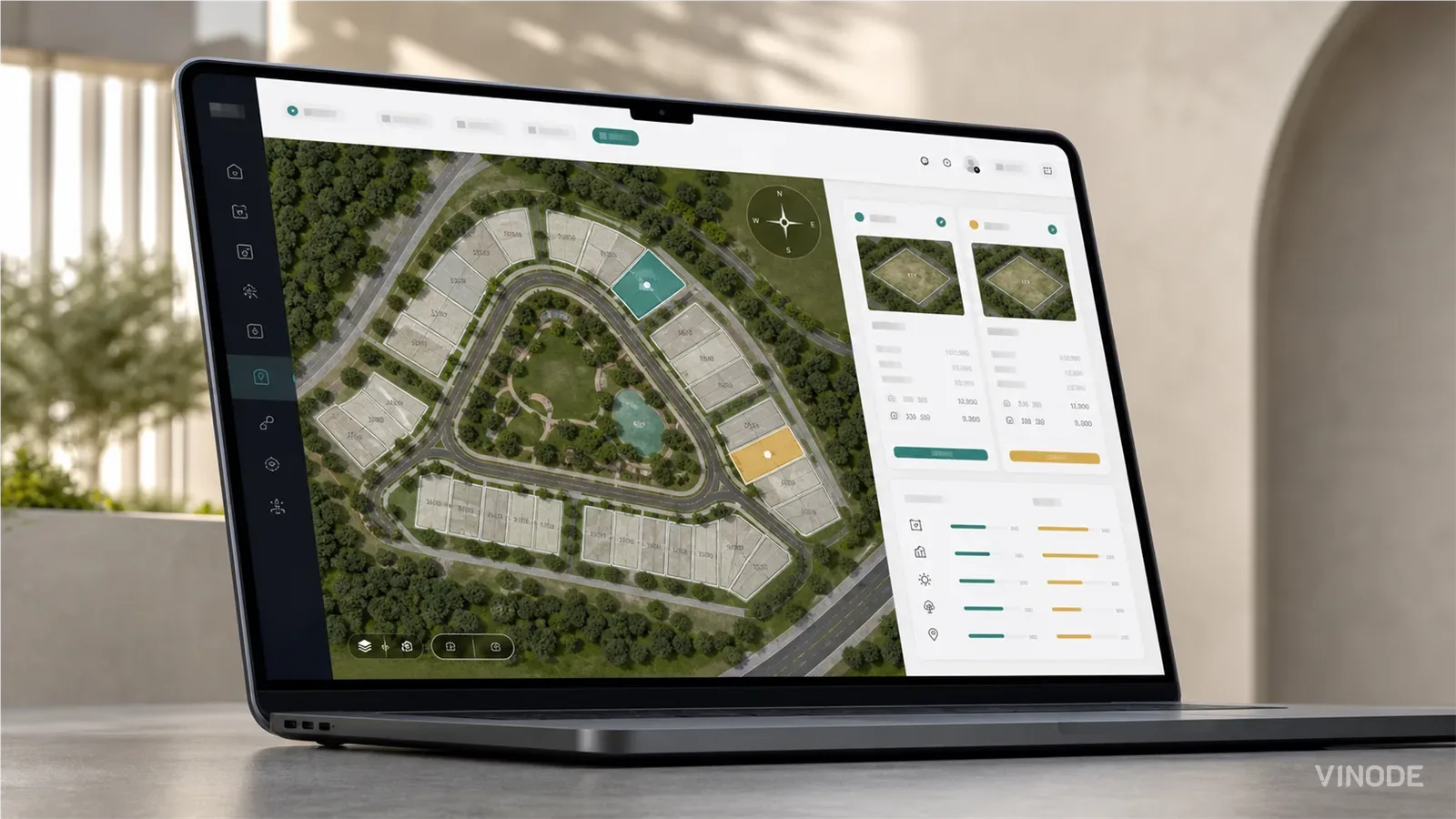
How buyers pick a plot on a housing development they have never walked on
On a six-house estate a clickable plot map does the whole job. On a varied estate the buyer still calls to ask which way the garden faces and what is behind the fence. What a plot finder has to show so that call becomes a reservation, and who at the developer keeps it current.
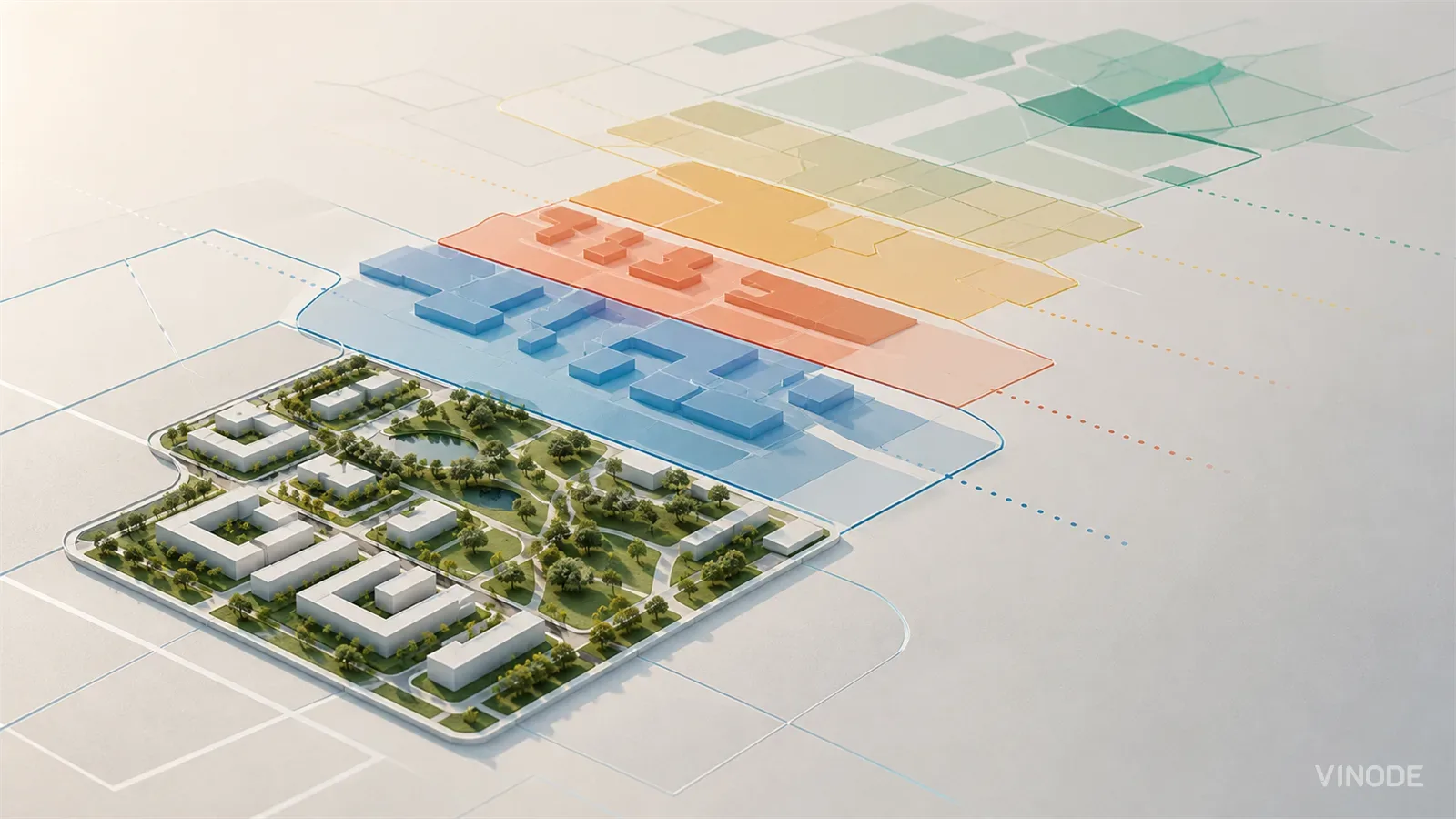
Masterplan 3D for Phased Estates: How to Show Phase One Without Overselling Later Phases
A phased estate contains several levels of certainty at once. The masterplan should make that difference visible, then absorb a later-zone redesign without discrediting the phase-one material buyers already saw.