
What is interactive 3D for real estate? A plain-English explainer

Image co-authored with help of AI for illustrative purposes
Key Takeaways
- Interactive 3D is a single navigable model of an entire project; the buyer steers it, from an aerial site view down into one unit's interior.
- A video plays one fixed route and a photo-scan tour jumps between scanned points; only interactive 3D lets the buyer choose where to look.
- The page reads price, size, floor and availability from the Back Panel, so a buyer sees current inventory, not a snapshot frozen on capture day.
- It suits off-plan launches specifically, where no finished building yet exists to film or scan.
A developer's marketing manager sent me four links in one email last spring and called all four "the 3D tour". One was a two-minute flythrough that played like a trailer. One let you click between photographed rooms of a finished apartment. One was a single glossy image of a lobby. One opened in the browser and let you fly over the whole site, drop into any building and walk a unit. She wanted to know which one belonged on the landing page. They are four diffrent products, and the label tells you nothing about which is which.
If you sell off-plan homes, the difference decides which one is even usable. Two questions tell the four apart. Who controls the camera? And is what you are looking at still true today?
What interactive 3D actually is
Interactive 3D is one continuous model of a whole development that the buyer navigates on their own, one place rather than a gallery of clips. You start looking down at the whole site (every building, the roads, the landscaping) and you can push in until you're standing in the kitchen of unit 4B, then back out and go look at 12A instead. The buyer chose that path.
Safa Al Fursan in Riyadh shows the scale that implies: 67,000 m², 25 buildings, 528 units, all in a single model you navigate from the aerial masterplan down to individual duplex interiors. It runs in the sales office as an offline kiosk that flies over the entire site without dropping a frame. That is the shape of the medium: a whole development, one buyer steering.
Filter units, walk interiors, download a brochure
Moving the camera is only half of interactive 3D. Underneath the model sits the inventory, and the buyer can query it. Filter units by price, size, floor, number of rooms, orientation, or extras, and the plan narrows to what fits. Step into an interior, walk it, spin a 360° view. Pick a unit and download a personalized PDF brochure that the page generates on the spot, carrying that unit's floor plan, its price, and the choices the buyer just made.
A video can't be filtered. A photographed tour can't hand you a brochure for the specific home you were looking at. This part is native to a model the buyer drives.
Driving the model isn't a feature buyers ignore. Across our developments the average session runs about 3.3 minutes at roughly 3.5 page views each. Anonymized aggregate, from our own GA4.
Source: Vinode measurement - as of
How it differs from a video walkthrough
A video walkthrough is a recording of one route someone already chose. It looks polished, it plays on any screen, and it is completely fixed. If the buyer wants to see the corner unit instead of the one the camera visited, there is nothing to click - the route is the route.
Interactive 3D keeps the same footage-grade visuals but hands the steering to the buyer. That's the whole distinction. A video is a path someone walked for you; interactive 3D is a place you walk yourself.
The four formats, by the two questions that separate them
Video walkthrough
One fixed route someone else chose. Plays anywhere; the buyer can't turn off the path.
Photo-scan (dollhouse) tour
Jumps between fixed scanned points of a place that already physically exists. Can't be made before it's built.
Static render
One frozen frame. A beautiful still photo of a moment - no movement, no inventory underneath.
Interactive 3D
One model the buyer steers, masterplan to interior, with live, filterable units underneath.
How it differs from a photo-scan tour
The click-between-rooms tour (the kind that renders a doll's-house cutaway of a home) is built by scanning a real space with a camera. It's a genuinely good way to show a completed apartment. It has one hard requirement: the apartment has to exist. You scan what is already standing.
Off-plan, nothing is standing. There is no room to photograph, no finished unit to walk a camera through. Interactive 3D is built from the same architectural models the design team already works in, so it exists before the foundation does. That one requirement, a finished building versus none, is why the two formats rarely compete for the same project. This is not for a completed, furnished block: if your units already exist, a photo-scan is usually the cheaper and better answer, and the interactive build is the wrong tool. Interactive 3D makes sense when the thing you're selling isn't built yet.
How it differs from a static render
A static render is one frame. It's often the most photorealistic image in the whole campaign, and it earns its place on a billboard or the top of a landing page. But it's a still photograph, frozen, with nowhere to go. You can't turn around in it, you can't check the unit next door, and it shows one moment of light in one room.
Interactive 3D takes that render's subject matter and turns it into somewhere you can move. Think of the render as the poster and interactive 3D as the building the poster is advertising. In our experience the render still wins the first three seconds of attention, so most teams keep both: the render does the hook, the interactive model does the shopping.
Why the unit prices and sold flags stay current
The word interactive hides the part a sales team cares about most. The same page reads from the Back Panel (Vinode's combined CRM and CMS), which holds every unit's status and price: free, reserved, sold, on promotion. So when a sales rep marks 4B sold, it stops showing as available on the interactive plan. The buyer isn't looking at a snapshot from launch day; they're looking at today.
That's the gap a filmed or scanned tour can't close. A video shot in March shows March. A scan captures the day the camera ran. Both freeze reality on their capture date. Interactive 3D stays live because the same page that draws the model also reads the current inventory.
"Live" means the buyer sees current availability and price, and gets captured as a lead in the CRM. It does not mean checkout. There is no in-browser reservation or deposit - the buyer's step is enquiry, and a human closes it.
No app to install, just a browser tab
The heavy 3D is pre-rendered and streamed rather than computed on the buyer's phone, so the whole thing opens in a plain browser tab. Vinode measures its own pre-rendered pages at about a 2-second load, against roughly 6 seconds for a WebGL build and around 12 for an in-browser Unity scene. No install, no "download our app," and it still runs on an old phone or offline on a kiosk.
Why fast matters isn't a 3D detail; it's a mobile one. Google reports that more than half of visits are abandoned if a mobile page takes over 3 seconds to load, which is exactly the window a heavy 3D experience can blow through when it renders on the device instead of streaming.
That is the map. Video plays one route. A photo-scan hops between points of something already built. A render freezes one frame. And the fourth is a whole development the buyer drives, with live units underneath, built before anything physical exists. If you're selling off-plan, that last one is usually the only format that can do the job at all.
The next question is how the 3D gets to look that good and load that fast without running on the buyer's phone. That's a separate topic: why pre-rendered beats real-time, and whether it's just streaming underneath. Those posts pick it up from here.
See interactive 3D on your own phone
Open a live Vinode project, steer it yourself, and watch the units update as you filter.


How to Move a Live Property Launch Off a Spreadsheet
Three weeks from launch, new enquiries were going into a spreadsheet tab called new leads 2. Move new leads and current unit data first, let old deals finish where they started, and leave the historical import until later.
AI Property Imagery in 2026: A Trust and Governance Playbook for Developers
A label tells buyers that AI touched an image. It cannot tell your team which design revision supports the image, who approved its claims, where it is live, or how to withdraw it.
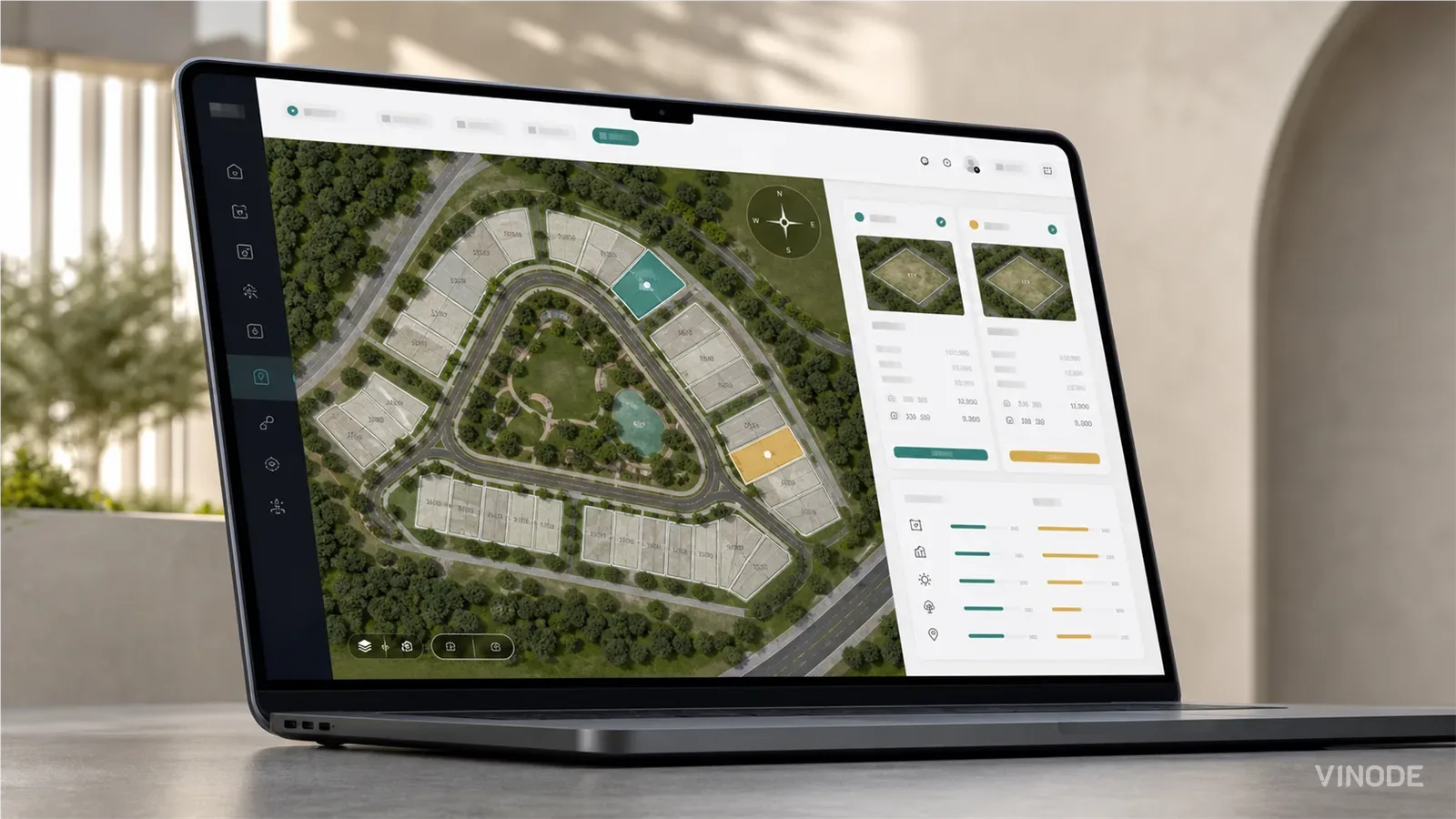
How buyers pick a plot on a housing development they have never walked on
On a six-house estate a clickable plot map does the whole job. On a varied estate the buyer still calls to ask which way the garden faces and what is behind the fence. What a plot finder has to show so that call becomes a reservation, and who at the developer keeps it current.