
Digital Sales Gallery: What to Test Before the Display Suite Opens
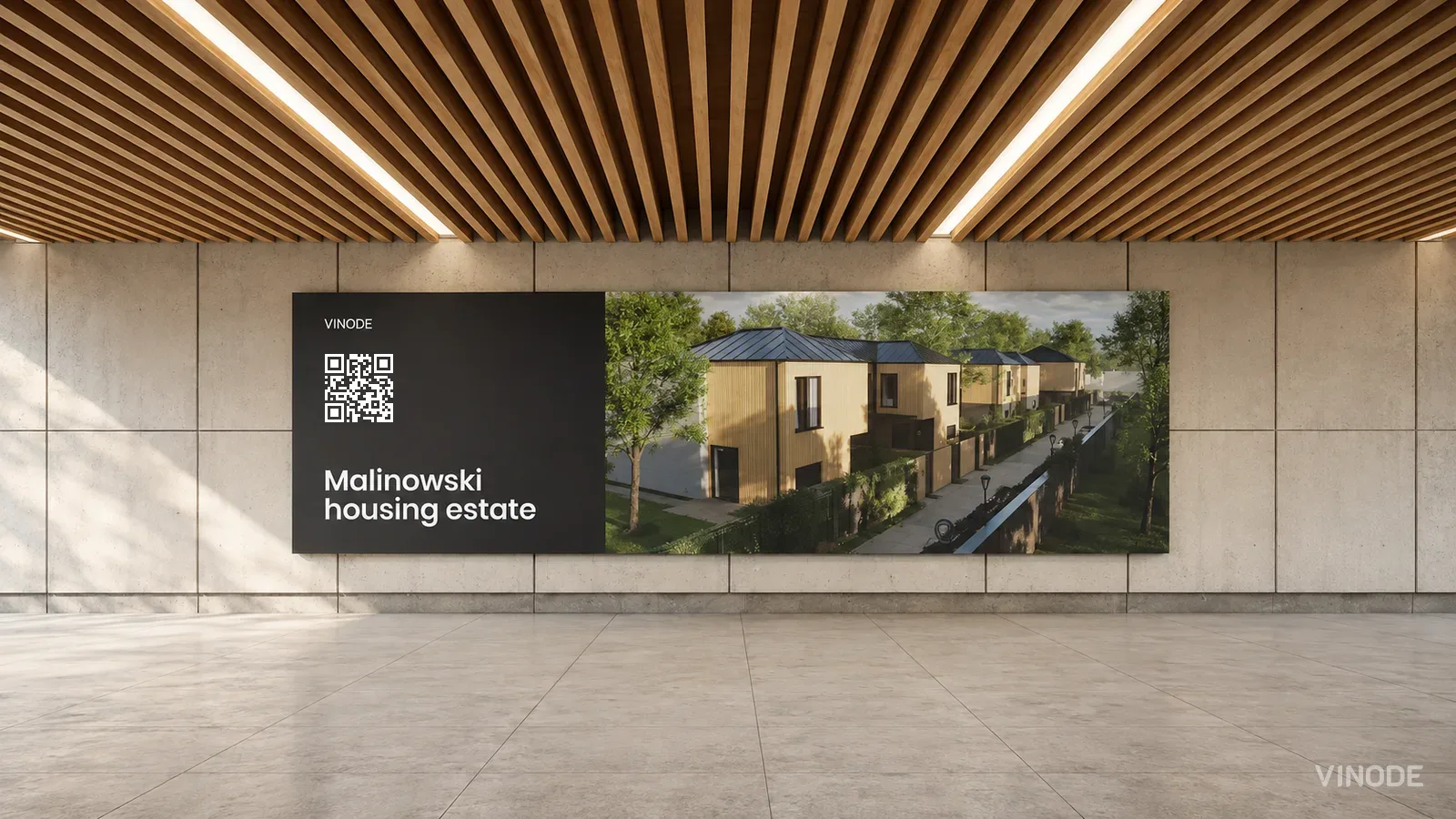
Image co-authored with help of AI for illustrative purposes
Key Takeaways
- A test enquiry has to reach the sales team's lead list with the chosen unit and a named owner for the reply.
- Offline playback keeps the presentation running, and current prices and availability need a separate check on a connected screen.
- A reservation test has to change the linked unit's status and reach the buyer's screen; a stage called Reserved proves little on its own.
- A shared kiosk needs a tested way to clear visitor details and restart, and an advisor to do it by hand until it does.
The afternoon before a display suite opened, a Wednesday I think, the client's sales lead stood at the touchscreen and sent herself a test enquiry for a two-bed on the sixth floor. The thank-you screen came up. Her colleague at the sales desk, twenty feet away, searched the lead list, then his inbox, then the lead list again, and found no enquiry. She still had the confirmation on her screen. The form turned out to be posting to the installer's test account, which had been the sensible setting in the installer's office three weeks earlier and had not been switched since. Ten minutes to fix once somebody knew. It would have been a week of lost enquiries if she had not pressed the button the day before.
Before opening day, the gallery has to carry a buyer from a unit on the screen to a conversation the sales team can continue, on the actual devices staying in the room. Enquiry delivery, offline availability, reservation status and session reset are the four things that go wrong most often, and each has a test you can run in an afternoon and a fallback for the sales team if it fails. I would rather a client found all four the day before than any of them on the day.
For a Vinode project, agree first which parts you have. A delivered offline kiosk and the browser-based self-service editor do diffrent things, and a form or reservation flow demonstrated in the editor still needs testing on the gallery hardware. If your gallery is a looping film on a screen with no form and no availability on it, most of this is not for you, and the restart test at the end is the only one that applies.
The enquiry that stops at the thank-you screen
An enquiry can land in the lead list without anyone being told, and a notification can fail while the record is fine. Those are two problems with two fixes, so look at the record before you ask the team to submit again.
Use a test contact, pick a unit, and complete the enquiry form on the final gallery page. Then ask the advisor who will actually handle enquiries to find it, logged in as themselves. They should see the contact details, the apartment you chose, what you asked, and who owns the reply. Check it together. A message in the installer's inbox proves very little about what your advisor can see.
If browsing history is part of what you agreed, test it separately with tracking consent switched on. Missing history can just mean the visitor declined tracking, so on its own it is not proof that the enquiry failed. On a shared touchscreen, also check that the history belongs to this visitor and not the person before them.
Until this test passes I would keep opening-day lead capture with an advisor. They take the buyer's details and the unit on a tablet, the buyer is told who will call them, and the supplier fixes the form in the background.
The kiosk still shows a unit reserved this morning
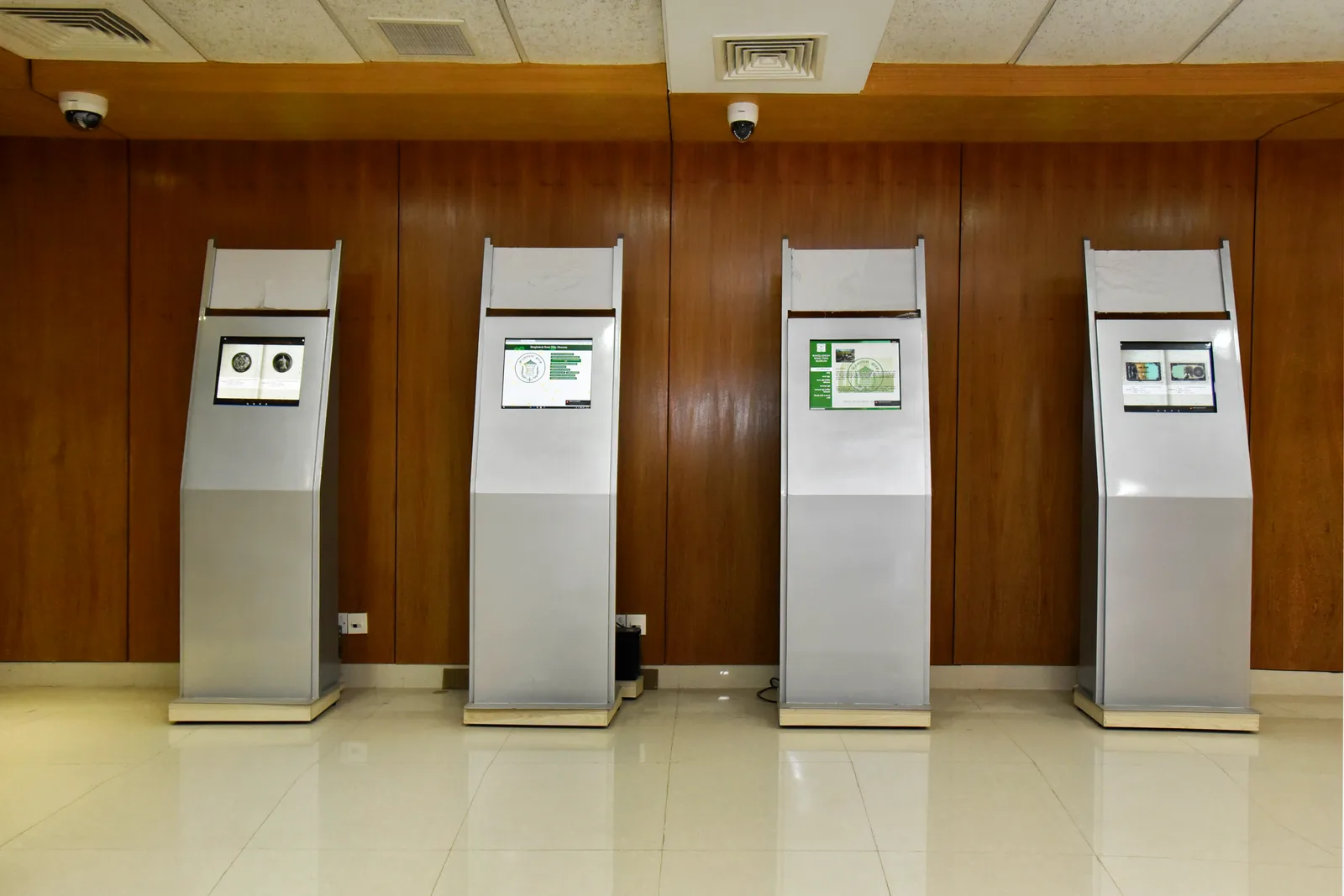
An offline kiosk keeps presenting the development while its availability list falls behind. Vinode's delivered kiosk presentation plays from locally stored video, and any prices or availability stored with it are as old as the last update it recieved.
Pull the network cable during the rehearsal. Open the views and floor plans an advisor would use with a buyer, including ones the team has not opened yet. Plug it back in and watch how the unit list catches up, because reconnecting is not the same as being current.
Then repeat the availability test with the connected gallery screen already open. Have a colleague change a test unit's status in the sales system and watch whether the screen changes on its own or needs a refresh. Vinode's online listings can ask for current unit data, but that does not tell you when every open screen asks. Write down what you actually see, becuase that is what your advisors will live with.
Name the person who can confirm current stock. Give them an independent connection, such as a phone on mobile data, and test it in the room. If they cannot check the live record, they can collect interest and confirm availability later.
The deal says reserved but the flat is still for sale
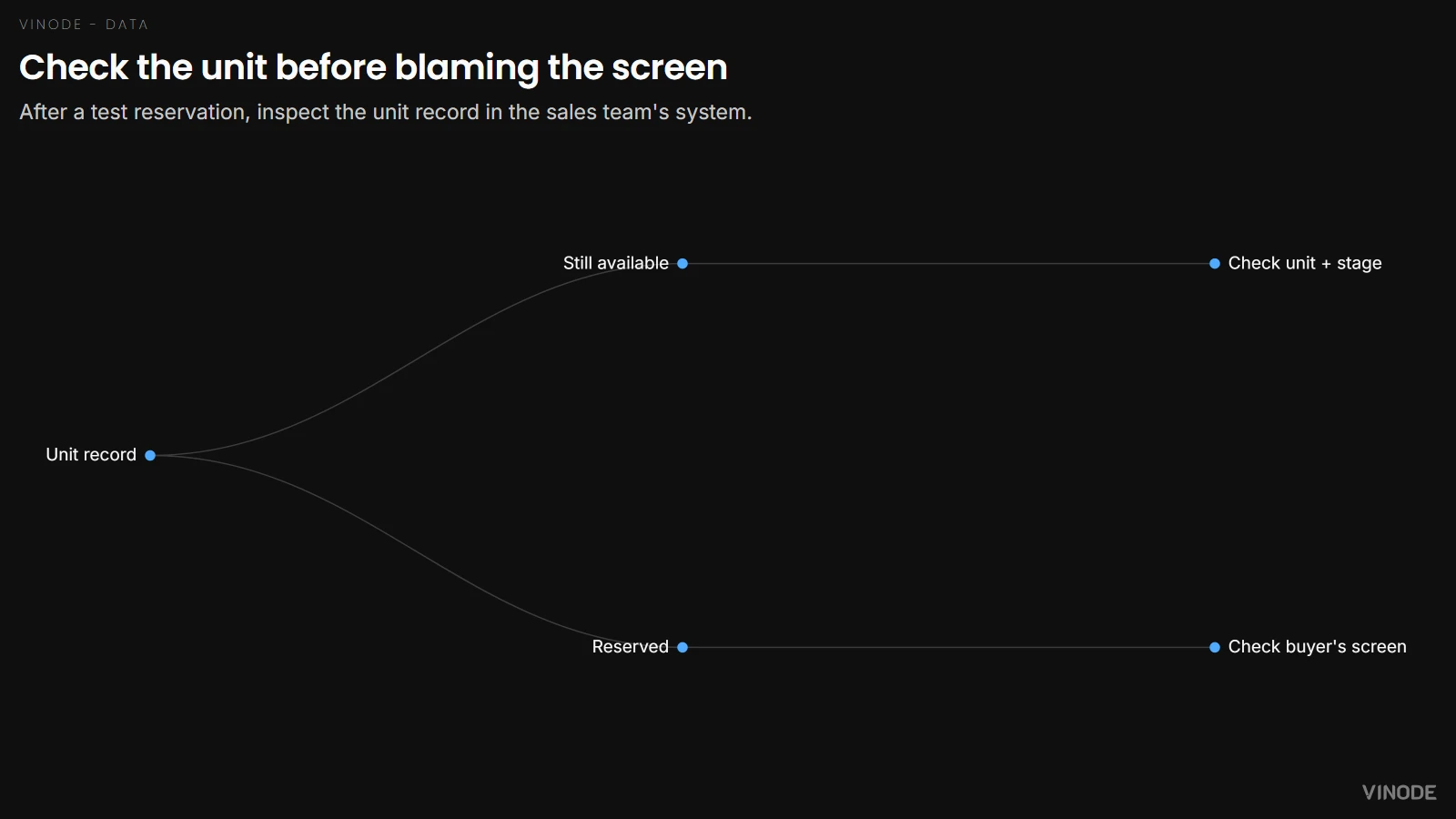
A reservation can look wrong on the screen because the unit record never changed, and refreshing the screen will keep showing the same available apartment all day.
In Vinode's self-service CRM a reservation needs a deal linked to a specific unit and a stage set up to reserve it. Naming a stage Reserved does not make it reserve anything. A market preset helps with the setup, but check it.
Ask whoever set up your CRM for a safe test unit. From the gallery advisor's account, reserve it, look at the unit record, then look at the buyer's screen. Release the test reservation the agreed way and check both again. I would sort out the reservation setup before asking anyone for faster screen updates. If the unit itself is still available, the screen is telling the truth.
The next visitor gets someone else's name
A visitor types their name, gets called over to the sales desk, and leaves the form open. The next visitor touches the screen and finds those details. Going back to the opening view can hide the form without clearing it.
During the rehearsal, leave a form half filled with test details. Use whatever reset the supplier gave you, then reopen the form and try going back. Check the filters and the selected unit too. Do it again after a completed enquiry. The next person should get an empty form and the full choice of apartments.
Ask an advisor to restart the kiosk as well, without the installer's account. A power cut and an abandoned form need seperate recovery steps, and both belong on a card next to the sales desk.
How reset and restart behave depends on what was delivered. Until you have watched both work, plan for an advisor to clear the screen between visitors. If the team cannot spare that person on opening day, keep the kiosk as an advisor-led presentation and take enquiries at the desk. Unattended browsing is a week-two feature, and no buyer will miss it on day one.
Plan your gallery rehearsal
Bring your opening date, device list and lead workflow. We can discuss what your Vinode project needs to prove before buyers arrive.

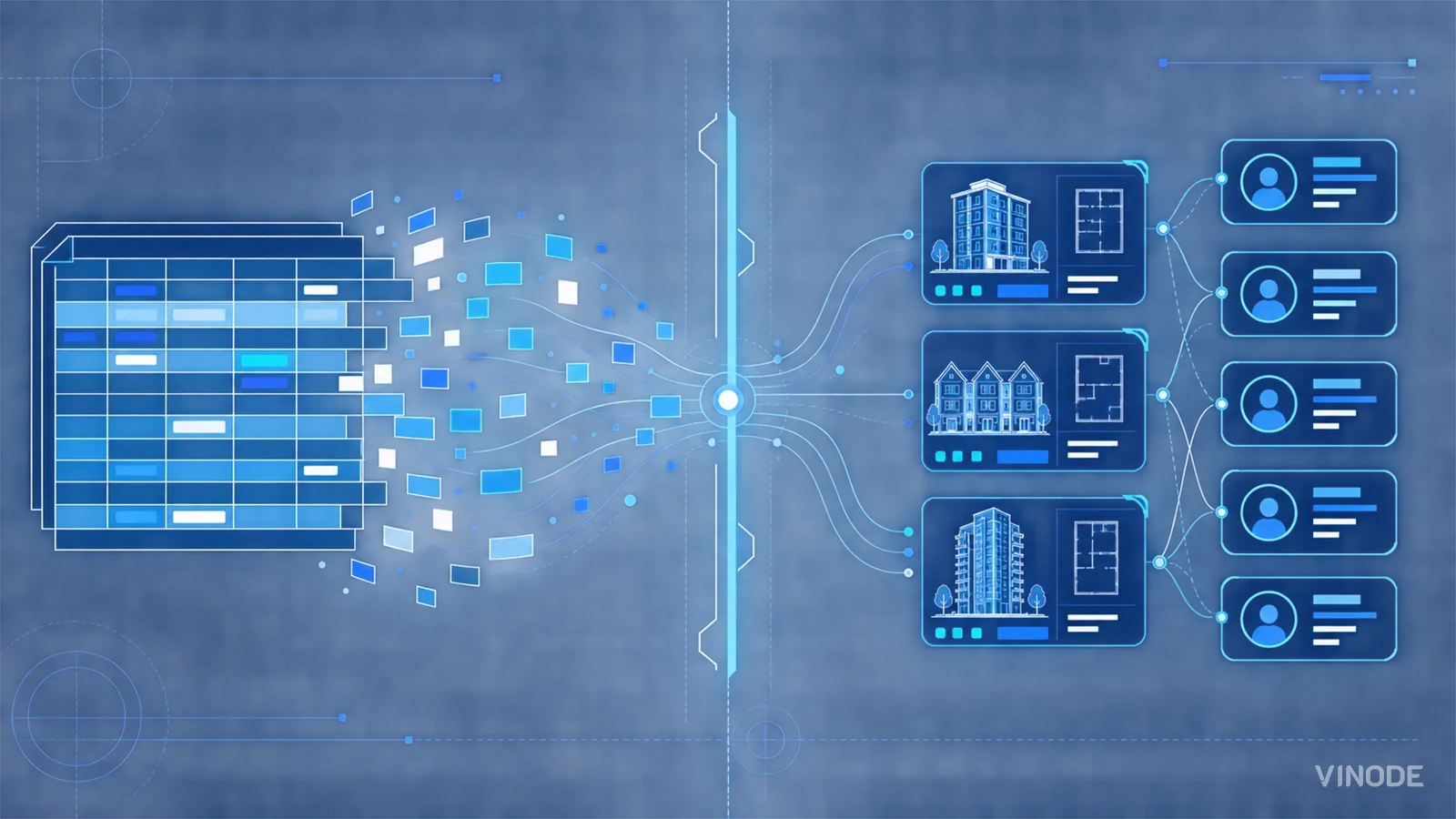
How to Move a Live Property Launch Off a Spreadsheet
Three weeks from launch, new enquiries were going into a spreadsheet tab called new leads 2. Move new leads and current unit data first, let old deals finish where they started, and leave the historical import until later.
AI Property Imagery in 2026: A Trust and Governance Playbook for Developers
A label tells buyers that AI touched an image. It cannot tell your team which design revision supports the image, who approved its claims, where it is live, or how to withdraw it.
The New-Build Sales Platform Checklist
Two agents reserve the same unit from two laptops, both reservations go through, and the listing stays available for eleven minutes. Test one live unit through inventory, availability, attribution and discount approval before you choose a platform.