
Offline isn't a feature: what actually keeps a sales-gallery kiosk alive when the wifi dies
Key Takeaways
- Whether a kiosk survives a dropped connection is decided by the 3D production method, not a spec-sheet offline box.
- A pixel-streamed kiosk renders on a cloud GPU, so it goes dark the moment the connection drops.
- Pre-rendered, cached playback keeps running smoothly on weak showroom hardware because nothing is rendered in the room.
- Ask the vendor whether the picture is rendered live or cached, then assign someone to own the live price at signing.
An advisor is halfway through a walkthrough. The prospect is leaning in, the camera is gliding across a rooftop toward the unit they came to see, and then the picture stutters and locks up. The sales-center wifi has wobbled, the way showroom and venue wifi always eventually does, and the 3D that was doing the selling has stopped.
The reflex is to blame the network. It's the wrong diagnosis. Whether that screen freezes when the connection drops was decided long before the kiosk was switched on, by a choice made during production that most buyers never see and never think to ask about.
Three ways the 3D gets made, and only one survives a dead line
A feature checkbox tells you what a vendor is willing to claim, not what the room will do. Two kiosks can both truthfully tick an "offline mode" box and then behave in opposite ways the moment the line goes down, because the box only names the result the buyer is supposed to see. The part it stays silent on, the production method behind the picture, is what settles two things a spec sheet leaves open: whether the kiosk survives a dead connection, and whether it stays smooth on a modest showroom machine.
There are three common ways to put interactive 3D on a screen, and they fail in different places. It's worth being precise about each, because the differences are invisible in a demo running on good wifi and decisive on the day the wifi is bad.
How the 3D is produced decides how it fails
Pixel streaming (live cloud render)
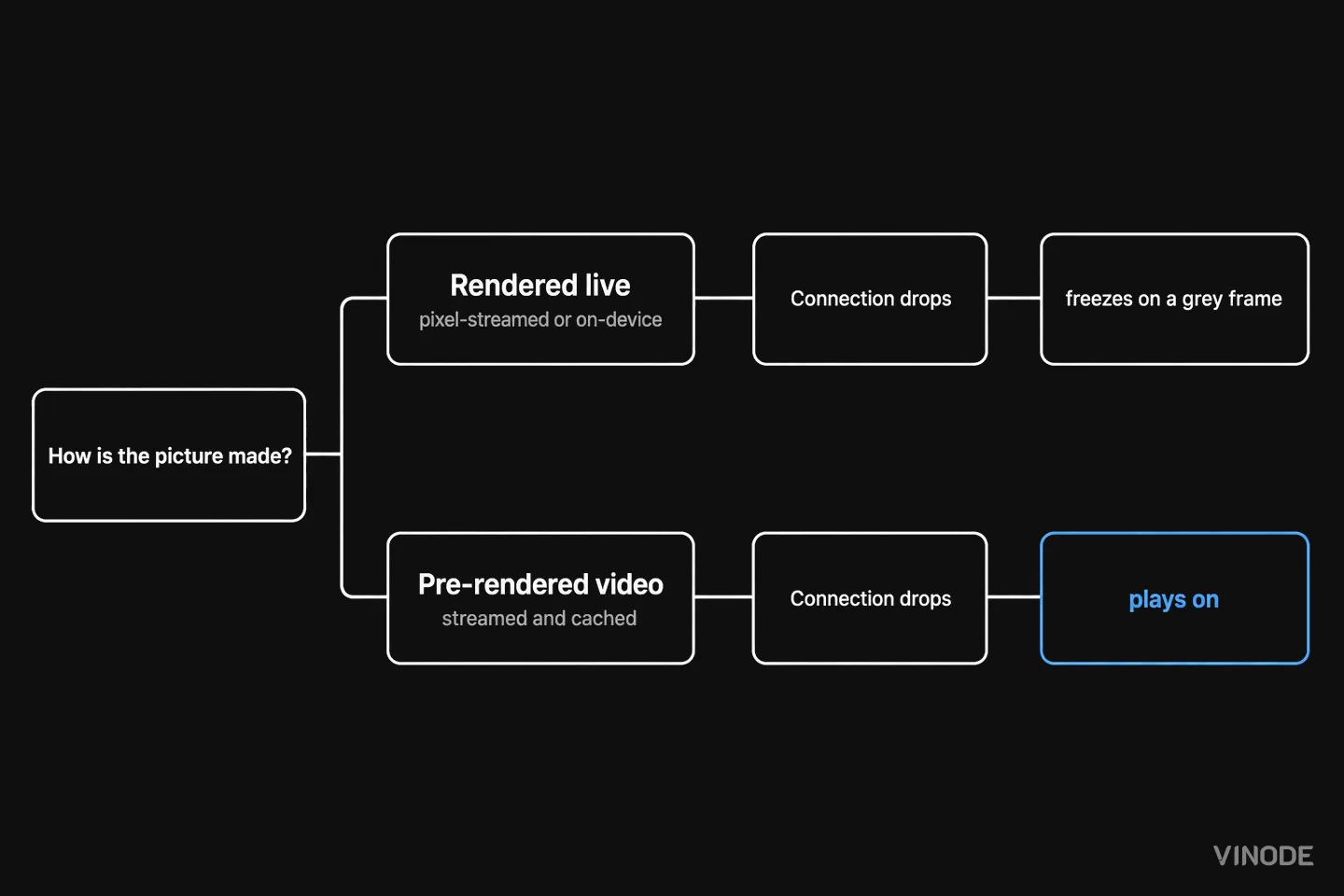
The scene is computed live on a cloud GPU and the frames are streamed to the screen like a video call. Structurally it's a networked device wearing a kiosk chassis. No connection means no picture. It cannot run offline by construction, however solid the hardware in the room looks.
On-device real-time (WebGL, Unity, native)
The scene renders locally, so it survives a dead line. But it puts the full render load on whatever machine sits on the desk. On a modest kiosk it stutters and heats up, and its ceiling is that device's GPU. Offline, yes. Reliably smooth, not guaranteed.
Pre-rendered, streamed as video, cached
The heavy render happened once, ahead of time, off the box. The kiosk plays back baked video plus a light interactive layer, so it runs offline and stays smooth on weak hardware, because it isn't rendering anything. This is Vinode's default.
A pixel-streamed gallery carries a second cost that the offline problem tends to hide. Because a server-side GPU has to run for every person watching at once, the bill scales with the size of the crowd, and cloud GPUs are billed by the hour (Google Cloud GPU pricing). A pre-rendered gallery moves that expense into a one-time production cost, then serves the result the way any website serves a video. We walk through that cost split in pixel streaming vs pre-rendered 3D, and the device-reach side of the same argument in why pre-rendered 3D beats real-time.
Pixel streaming is the right tool when a buyer's choices are genuinely open-ended and can't be baked ahead of time. Vinode's own kiosk is built to pixel-stream where that fits. But a live-rendered kiosk cannot be offline, because the render lives on a server it has to reach.
Why the low-powered showroom machine stops being the problem
Sales leads and IT usually raise two separate worries. The sales lead asks why the touchscreen freezes mid-tour. IT asks whether the 3D will choke on the underpowered box already bolted to the wall. Those are the same worry wearing two hats, and they share an answer.
A machine chokes when it's being asked to render. A pre-rendered playback kiosk isn't rendering, so "runs on modest hardware" stops being a spec you have to buy your way up to and becomes a property of the architecture. The part worth internalising is this: "runs offline" and "renders live on the device" belong in the same risk class. Both push the hard work into the room, where a weak GPU or a dropped connection can break it. Pre-rendering takes the work out of the room entirely.
Vinode's own comparison puts pre-rendered playback at 2 seconds, against 6 for WebGL and 12 for in-browser Unity. The gap traces back to the production method: there is no scene to compute at load time.
Safa Al Fursan: 528 units on an offline showroom kiosk
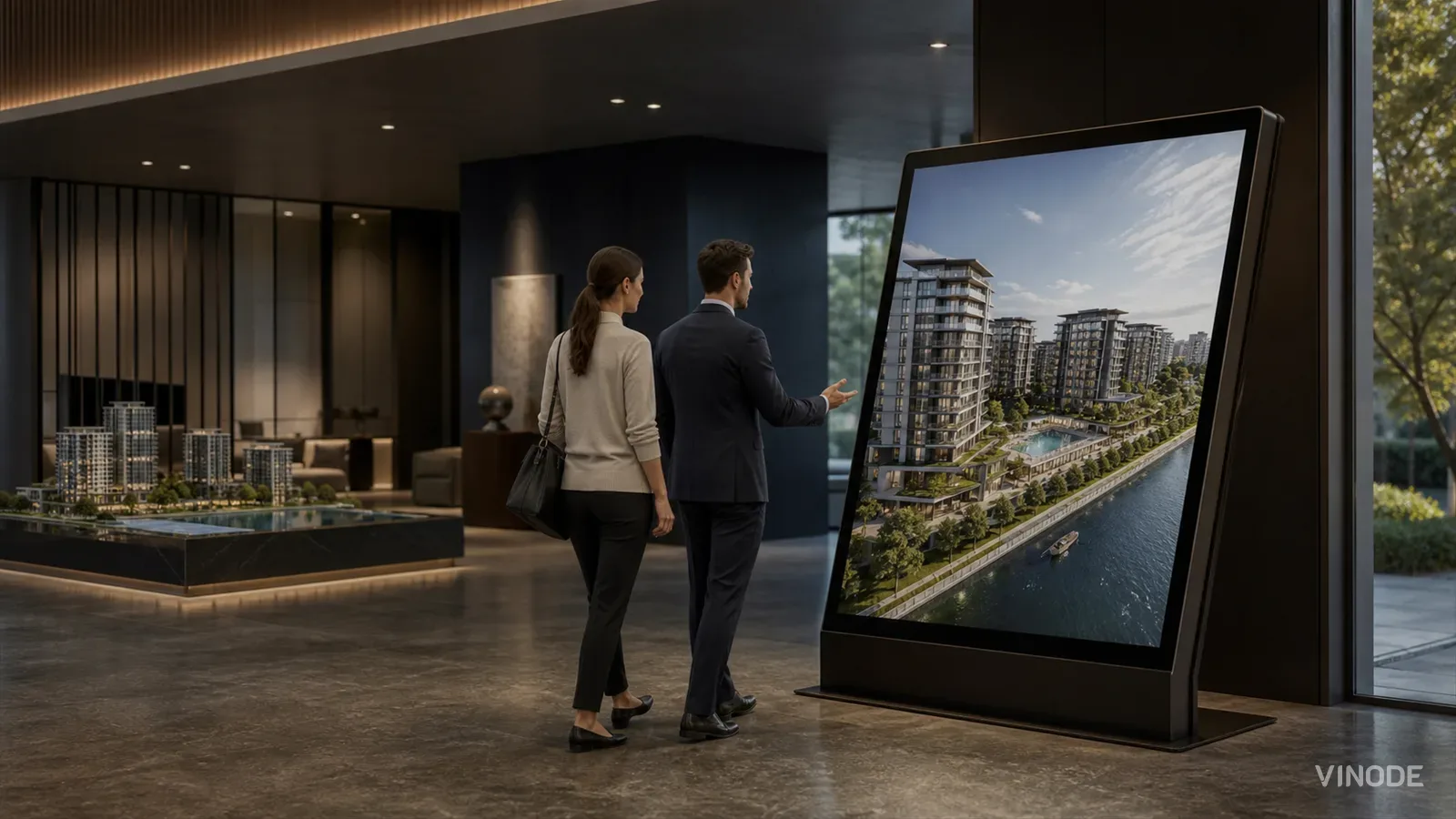
Safa Al Fursan, a development by Safa Investment in Riyadh, is the hardest version of this test in our portfolio: 67,000 m², 25 buildings, 528 units, running from the surrounding government masterplan down to the interior of a single duplex. On that build, the offline kiosk in the sales office lets advisors fly clients over the whole 67,000 m² project without a dropped frame.
That is the project's stated outcome, not a benchmark; there is no frames-per-second figure behind it. The claim is architectural. A scene that heavy plays smoothly with no connection because the hard rendering was already done, off the box, before the kiosk ever shipped.
The tradeoff: offline reliability against live prices
Offline reliability and up-to-the-minute pricing genuinely pull against each other: a kiosk that needs no connection is only as current as its last one. While it's offline it shows a cached state of prices and availability, and it can't know about the unit that sold twenty minutes ago in another advisor's session. The fix is to let each part do its job. The offline kiosk sells the space, the views, the scale, the walk from lobby to balcony. The live number at signing belongs to a person, or to a connected device checking the source of truth right then. The kiosk should never be the final word on price; get that boundary right and the tension stops being a risk.
When a pre-rendered kiosk is the wrong tool
Here is where a pre-rendered kiosk is the wrong choice. If your entire pitch is open-ended, un-bakeable interaction (dragging walls to redraw a floor plan, an unbounded catalogue of material combinations, generative layouts a buyer invents on the spot), a finite set of pre-rendered options will eventually box a buyer in. That is where live or on-device rendering earns its fragility. Most off-plan residential isn't that case: it sells from a known, finite set of units and finishes, which is what pre-rendering is built for. One note on fit: the offline kiosk ships with Vinode's medium and large packages, not the smallest starter tier, so if you're selling six units this isn't the part of the platform you'd buy it for. For the full vendor-judging frame, we kept a running list in how to evaluate an interactive 3D vendor.
The question to ask a kiosk vendor, and what to settle after it
When a vendor shows you a beautiful interactive gallery, don't ask whether it has an offline mode. Ask how the picture is made: rendered live, or pre-rendered and cached?
That answer sets up two things to settle before the room is built. First, if it's pre-rendered and cached, decide who owns the final number at signing, because a cached kiosk knows only what it learned the last time it was online. Write that ownership into the sales-floor process and the offline kiosk can carry the rest of the job whether or not the line holds. Second, if a vendor says the gallery renders live, make them prove the room won't break it. Open a live project on the worst device within reach: Kozielska Park keeps a public demo at mieszkania.kozielskapark.pl that comes up in a second or so, so you know what fast should feel like. Then run the vendor's own gallery on the venue's guest wifi and have someone pull the network mid-tour while you watch. A live-rendered kiosk freezes on a grey frame within seconds; a cached one plays on.
Explore a live Vinode project
See how a pre-rendered gallery loads, then let's talk about the room you're building.

The New-Build Sales Platform Checklist
Two agents reserve the same unit from two laptops, both reservations go through, and the listing stays available for eleven minutes. Test one live unit through inventory, availability, attribution and discount approval before you choose a platform.

AI Search Is Shrinking the Click: What Property Developers Should Measure Instead
AI answers can remove the visit before it happens. Keep tracking search traffic, but judge it by what follows: qualified arrivals, unit exploration, contextual enquiries and reservations.
How buyers pick a plot on a housing development they have never walked on
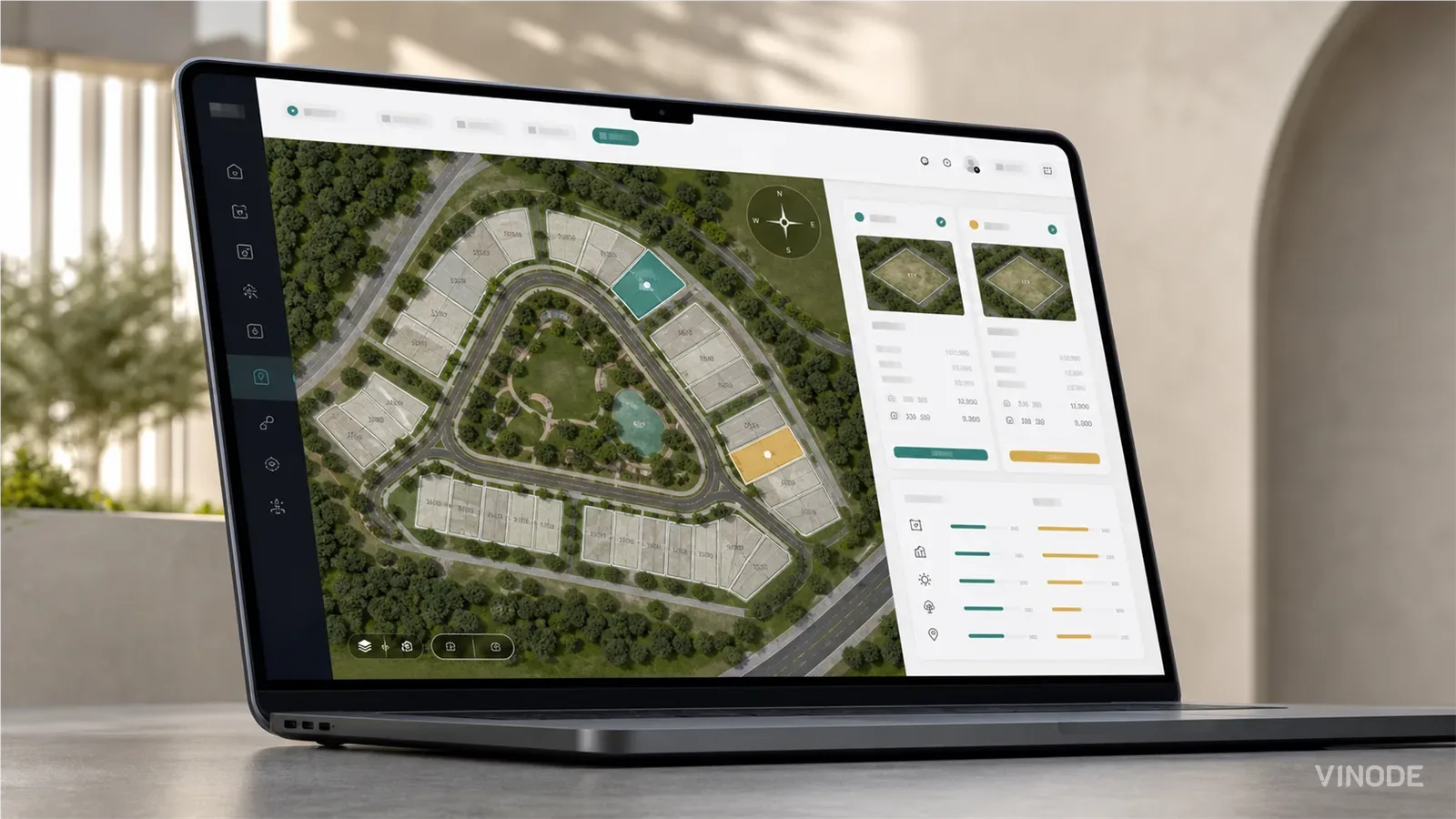
On a six-house estate a clickable plot map does the whole job. On a varied estate the buyer still calls to ask which way the garden faces and what is behind the fence. What a plot finder has to show so that call becomes a reservation, and who at the developer keeps it current.