
How to embed a 3D unit selector into the CMS you already run
Key Takeaways
- Any CMS with a code block hosts the embed with no migration; Squarespace gates that block behind a paid tier.
- You are embedding three decoupled objects (page, unit player, lead form) and can take just one.
- Embed hygiene: size the container to stop layout shift, lazy-load below the fold, use a facade only when the embed is secondary.
- A salesperson edits unit status and price in the data-bound back panel with no developer; full self-service publishing is planned for Q3 2026.
The site already works. Leads come in through the contact form, the sales team knows where everything lives, and nobody wants to touch the CMS that took eight months to settle down. Then the developer you work with sees an interactive 3D unit selector on a competitor's launch page and asks for one, and the first quote back says migrate the whole site onto a 3D platform. That rips out something that works to solve a problem that never needed a rebuild.
There is a quieter path, and most vendors will not point you to it because it does not sell a migration: keep the CMS you have and add the 3D as an embed. This post is the integration how-to for that path. Which CMSs let you paste in a code block and which gate it behind a paid tier, the three separate objects you are actually embedding and how to take just one of them, the lazy-load and container hygiene that keeps the embed from dragging your page down, and the part every evaluation skips until launch week: who edits the thing once it is live.
Where the 3D renders: the buyer's phone or ours
Before the integration mechanics, one architectural question shapes everything downstream: where the 3D actually renders. A real-time configurator ships a whole engine to the buyer's phone and computes every frame there, which is what puts page speed at risk. A pre-rendered experience does the expensive rendering ahead of time on the vendor's servers and streams finished frames the way a site streams video, so there is no engine to boot on the visitor's device. That is why Vinode pre-renders, primarily in Unreal Engine and also Maya, Cinema 4D and Blender, and streams the result. The full argument, including why a demo on your own fast phone tells you almost nothing, lives in why pre-rendered 3D beats real-time.
Every 3D vendor calls their thing "just an embed, like a YouTube video." Take it literally and it argues against the real-time ones: the honest version is "like a YouTube video, only much bigger." The performance mechanic behind that (a third-party embed blocking the main thread) has its own home in whether 3D tours hurt Core Web Vitals. This post assumes you have settled the render question and want to know how the embed lands on your existing site.
Page, unit player, lead form: take just one
An interactive 3D product is not one indivisible lump. It is three separate objects, and they come apart cleanly. The first is the page itself, a full experience served as its own thing. The second is the unit and floor-plan player, the clickable selector where a buyer moves through the building, filters by floor, and opens a plan. The third is the lead form. You can adopt one of these without the other two. Drop only the player into your existing property page and leave the rest of the site exactly as it is. That decoupling is what makes this fit a headless or custom stack as easily as a page builder. You are placing one component inside a page you already control - ideally one built on solid real-estate page design - and the rest of the site never moves.
Three embeddable objects, taken separately
The page
A full 3D experience served as its own URL, if you want a standalone launch page alongside the site you already run.
The unit player
The clickable selector: move through the building, filter by floor, open a plan. This is the piece most people mean by "3D unit selector," and it can sit inside a page you already own.
The lead form
A brand-themed capture form whose submissions land in the back-panel CRM, auto-linked to the unit the visitor was viewing.
On Vinode the embedded form's submissions flow into the back-panel CRM and attach to the unit the buyer was looking at when they filled it in, so the context survives the handoff. That plumbing matters most for the form, because a captured lead that arrives with no idea which unit it came from is worse than no form at all. If you want to go deeper on what separates a form that converts from one that leaks, that is its own topic. The point here is narrower: keeping your site does not mean orphaning the lead.
Any CMS with a code block hosts the embed
The mechanics are boring, which is the good news. An embed is standard HTML, and standard HTML is what every serious CMS accepts. WordPress ships a Custom HTML block; most builders expose a code, embed, or HTML element somewhere in the editor, and Google's guidance on browser-level lazy loading for CMSs treats this embed-into-a-content-block pattern as routine (web.dev - Browser-level lazy loading for CMSs). The durable principle is find the code block, paste the embed, size the container. I am skipping the click-by-click tutorial, which floods the search results already and dates the moment a CMS reshuffles its editor. Two constraints cut the other way, though, and skipping them is how you get surprised.
Some platforms gate the code block. On Squarespace, adding third-party JavaScript or an iframe through a code block is a paid-tier feature (Business/Commerce, per their Code Blocks documentation as of July 2026), not something every plan can do (Squarespace - Code blocks). Confirm your plan covers it before you commit a date.
Iframe lazy-loading is not universal. The loading="lazy" attribute that defers offscreen iframes is well supported in Chromium browsers but limited or absent in Safari and Firefox (caniuse - loading=lazy). Treat it as an optimization for most of your traffic; visitors on older Safari and Firefox simply load the iframe the normal way.
The hygiene checklist for any embed
This applies to any embed, ours or anyone else's. Lazy-load anything below the fold, so an embed the visitor may never reach does not compete for bandwidth with the content they can see. Give the container an explicit size or aspect ratio, because an unsized iframe reserves no space and the page jumps as it loads, the Cumulative Layout Shift you are trying to avoid. A facade, a click-to-load poster that swaps in the real embed on interaction, is a third option, but web.dev is direct about its cost: the embed loses full functionality until it is clicked, and behaviour like autoplay may not fire (Lighthouse - facades). For a 3D selector that earns its keep by inviting exploration, save the facade for when the embed is genuinely secondary.
Who edits prices and unit status after launch
The quiet objection under the whole 3D conversation is staffing: the fear that every price change and every "reserved" flag now routes through a developer and a deploy. On a hard-coded page it does, and that alone kills a lot of otherwise good ideas. An embed does not have to work that way, because the content is data-bound. In Vinode's back panel a salesperson edits a unit's status (free, reserved, sold, or promo), its price, its gallery, and its attributes directly, and the embedded listings and player read from that live project data, so they stay in sync without anyone touching code (the single source of truth idea has its own write-up). A price flip is a field edit that goes live the moment the salesperson saves it.
There is a boundary worth stating plainly. The done-for-you build, where the studio produces the project experience and you embed it, is the established path today. The fully self-service, publish-your-own-embed suite in the no-code editor is still rolling out, with the wider SaaS release planned for Q3 2026. If a salesperson editing unit status is the workflow you need on day one, that part is real now. If you are picturing your marketing team assembling and publishing embeds themselves end to end, ask where that specific capability stands for your timeline.
No embed timeline, no price, no speed scores
A few things I genuinely cannot hand you. There is no published figure for how long it takes to bolt an embed onto an existing site. The timelines you may have seen, two to four weeks for productized packages and two to three months for bespoke projects, cover building the whole project experience, not adding an embed to a site that already exists. There is no price here either, by design; the useful answer to "what's the cheapest way to add 3D" is architectural, since embedding onto a working site skips the cost of a rebuild you did not need. Kozielska Park, Malinowskiego, Tropical Mirage Bayahibe, and the +Colonia smart-city development are live Vinode projects, but I am not attaching a page-speed score or a "we embedded it into their WordPress" claim to any of them, because those specifics are not something I can verify for you.
One test to run on every 3D pitch
Ask the vendor a single question: does this render on my visitor's device, or on yours? If the answer is theirs, the main-thread failure mode is structurally smaller, and you can keep the site you already have. See a pre-rendered experience on your own phone before you decide.


How to Move a Live Property Launch Off a Spreadsheet
Three weeks from launch, new enquiries were going into a spreadsheet tab called new leads 2. Move new leads and current unit data first, let old deals finish where they started, and leave the historical import until later.
How buyers pick a plot on a housing development they have never walked on
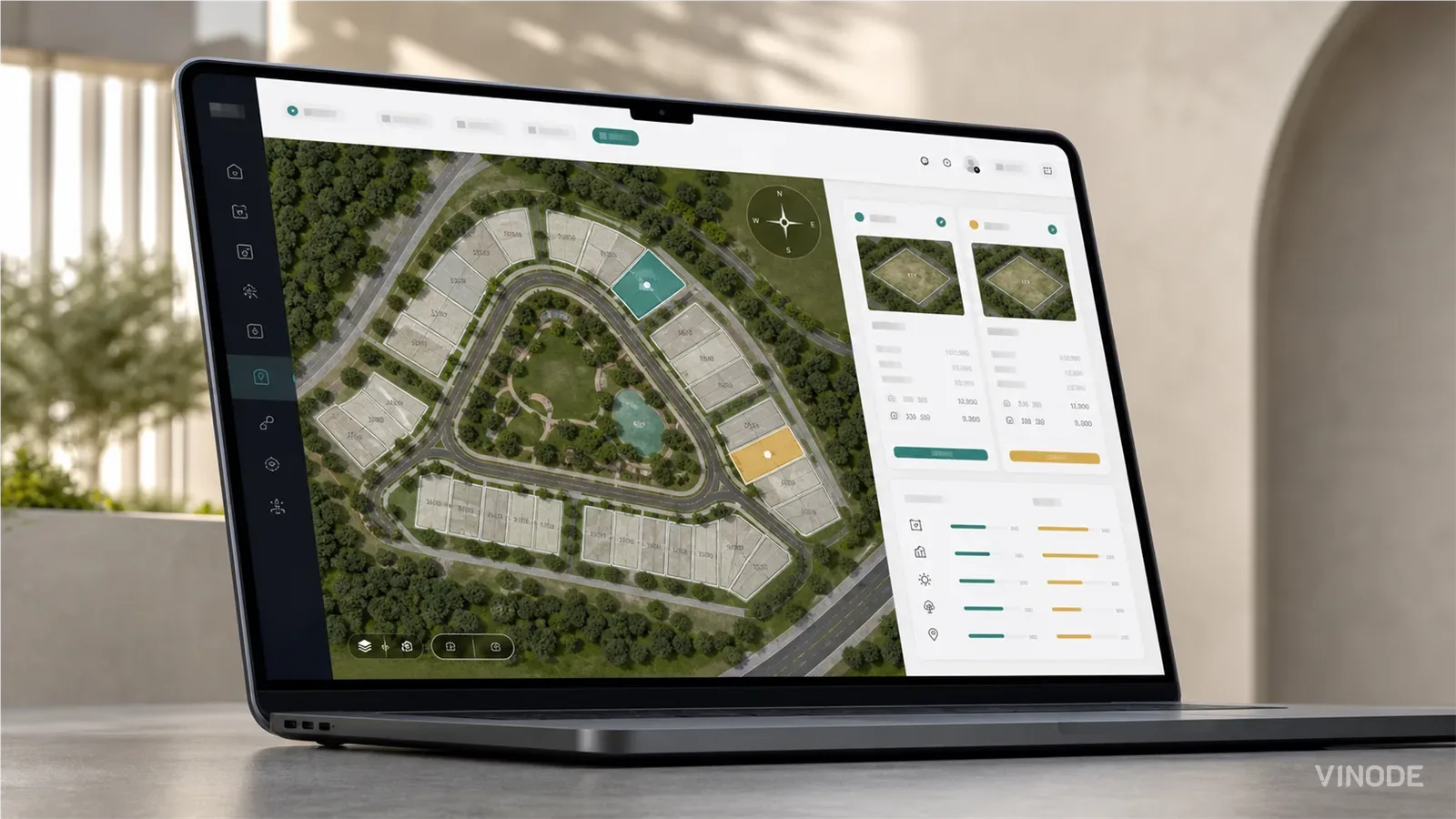
On a six-house estate a clickable plot map does the whole job. On a varied estate the buyer still calls to ask which way the garden faces and what is behind the fence. What a plot finder has to show so that call becomes a reservation, and who at the developer keeps it current.

What is interactive 3D for real estate? A plain-English explainer
Four links in one email, all called the 3D tour: a video walkthrough, a photo-scan tour, a static render and interactive 3D. Who steers the camera, and whether the units underneath are still current, is how you tell them apart.