
Real-estate 3D glossary: pre-rendering, pixel streaming, digital twin and 12 terms buyers hear

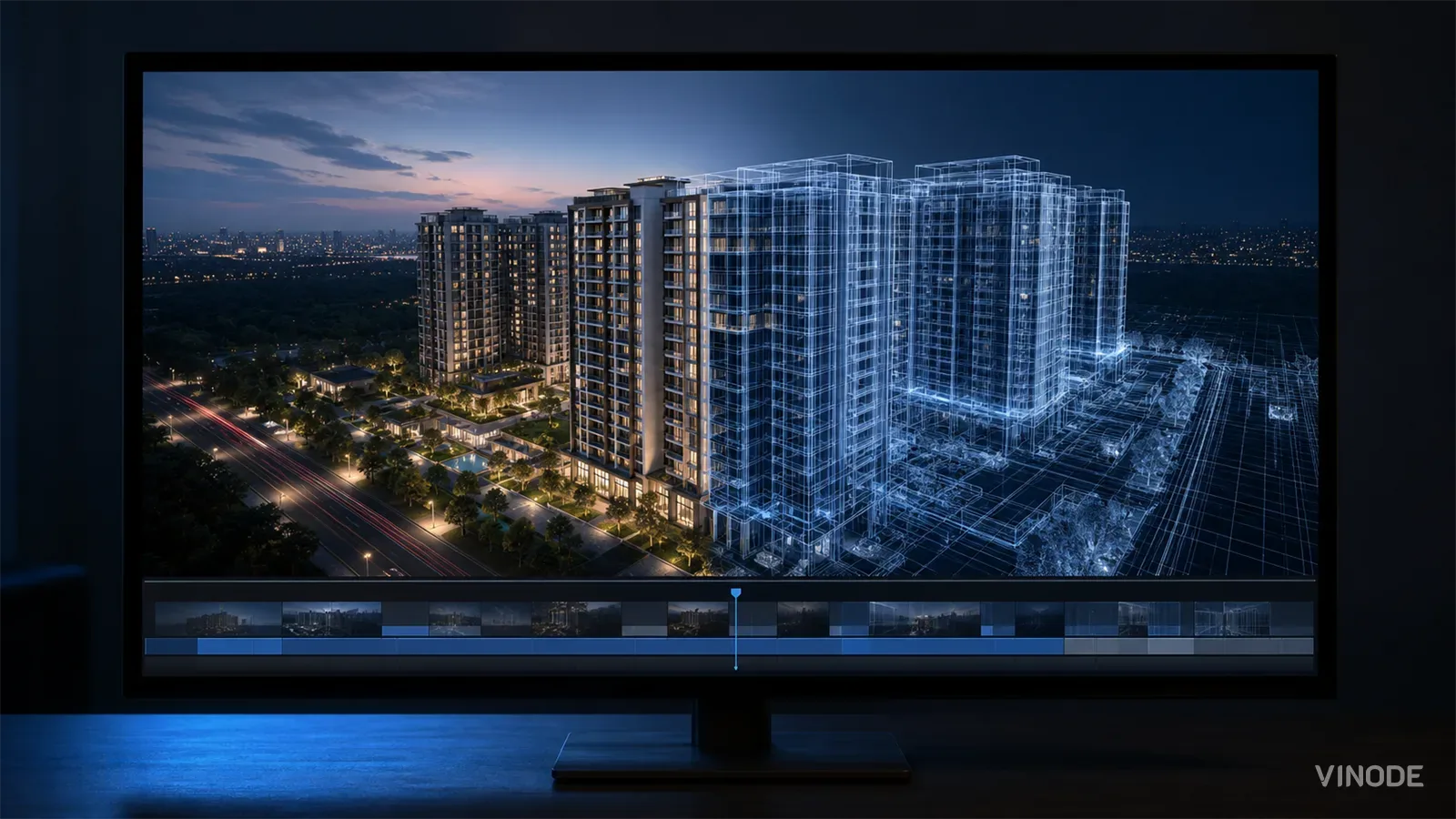
Image co-authored with help of AI for illustrative purposes
Key Takeaways
- Each term in a 3D pitch names an engineering choice that lands on your budget, page speed, sales-floor reliability, or lead data later.
- 'Pre-rendered', 'real-time', and 'pixel streaming' name three places the 3D is computed: ahead of time, on the buyer's device, or on a rented GPU.
- 'Digital twin' means a navigable replica of the real development; ask the unit and building count before accepting the label.
- First-touch and last-touch pick different winners from one lead, so 'we track attribution' hasn't told you which rule runs.
Halfway through the deck, the vendor says the words "real-time photoreal digital twin, streamed to any device, fully optimised for Core Web Vitals." It sounds like one continuous claim of quality. It is actually four separate engineering decisions stacked into a sentence, and two of them quietly contradict each other. "Real-time" and "streamed to any device" describe different rendering setups; you can't casually have both without the streaming being a rented GPU per viewer, which is a cost line nobody in the room mentioned.
That is the problem with a 3D pitch. The vocabulary reads like decoration a developer will sort out later, so a marketing lead skims past it. But each term is a fork in how the thing gets built, and the branch the vendor picked shows up on your side months later, as a page-speed score, a sales-office wifi dependency, or a lead record that credits the wrong campaign.
Term, consequence, question: what each entry carries
This post defines; it does not argue. Where a term opens onto a real tradeoff, a deeper post takes the position, and this glossary links to it.
Every entry gives you three things: what the term names, the consequence you inherit, and the one question that makes a vague claim checkable. Keep the list open during the pitch.
Where the 3D is computed
The first three terms all describe the same thing from the buyer's chair: a smooth 3D scene. They differ entirely in where the frames are calculated, and that difference is the whole bill and the whole failure mode.
Pre-rendered means the heavy 3D was computed in advance, in the studio, and what reaches the buyer is streamed video of that result. Nothing renders on the phone, so a five-year-old handset gets the same scene as a gaming rig. That is what makes a ~2s load and offline kiosks possible (Vinode's own figures for its projects, not a lab benchmark). Ask whether the 3D is rendered on their servers in advance or on your buyer's device.
Real-time means the 3D engine runs live on the buyer's own device, computing every frame as they move. The scene is only ever as good as the hardware in their hand, and a mid-range phone shows it. Ask: what does this look like on a three-year-old Android on hotel wifi? The case for pre-rendered over real-time is argued in full in pre-rendered 3D beats real-time.
Pixel streaming is the third option: the engine runs live, but on a cloud GPU instead of the buyer's device, and the result is streamed down. The catch is the billing shape. One Unreal instance typically occupies one cloud GPU, billed by the hour it is held (rates as of July 2026), so cost scales with concurrent viewers, not with how many you built for. A launch-day traffic spike becomes a runaway GPU bill. The economics are worked through in pixel streaming vs pre-rendered. Ask: who hosts the GPU, and what happens to the cost when 200 people open the page at once?
Three terms, three rendering locations
Pre-rendered
Rendered in advance in the studio; streamed to the buyer as video. Same scene on any device. Load doesn't depend on the phone.
Real-time
Computed on the buyer's device, live, every frame. Quality tracks their hardware. Weak phones struggle.
Pixel streaming
Computed on a rented cloud GPU, live; streamed down. Cost scales per concurrent viewer, billed by the hour.
What the 3D shows
The next three terms describe the scope and fidelity of what got modelled, not where it runs.
Digital twin is the most abused word in the category. Strictly, it means a 3D replica of the real development you can walk through, faithful enough to stand in for the site. The abuse is applying it to a single hero building with a blurred backdrop. The test is scope: Safa Al Fursan is 67,000 m², 25 buildings, 528 units, all in one browsable model. Ask: how many buildings and units does the twin actually model, and is the surrounding masterplan real geometry or a photo?
LOD (level of detail) and draw distance are the terms for how a scene stays fast while still showing a whole district. Distant buildings are drawn at lower detail; nearer ones at full. On Safa Al Fursan's scale, the far-view masterplan is rendered at low detail so the near unit stays crisp without the scene collapsing. Ask: what happens to the far buildings when I zoom out to the whole site?
Photorealism names how close the render is to a photograph of a finished building that does not yet exist. It is a craft claim. The honest way to check it is a like-for-like. Ask them for a render beside a real photo of the same delivered building.
67,000 m², 25 buildings, with a government masterplan rendered in the far view. That scope is what earns the phrase "digital twin" - a single hero building doesn't.
What a buyer can do: configurator and kiosk mode
Two terms describe interaction, what a buyer can actually do inside the experience.
Configurator means the buyer changes the scene from a finite, defined set of options, not free-form. In River Residence, a buyer switches between interior styles and configures parking, kitchen and financing choices from a known catalogue. The finite set is the point: it prevents decision fatigue and keeps every combination one the developer can actually deliver. Ask them to name the fixed catalogue of choices a buyer can make, and confirm nothing outside it is promised.
Kiosk / offline mode means the experience runs on a screen in the sales office with no live internet, from a local copy. Because pre-rendered frames are just video, they play without a server or wifi. This is what lets an advisor demo the whole inventory offline when the venue's connection drops. Ask them to confirm it runs with the sales-office wifi switched off mid-demo.
A tour you can pan and zoom is interactive. A tour where the buyer changes the kitchen finish and the price updates is configurable, and it needs a finite option set wired to real inventory behind it. A vendor can truthfully say "interactive" while shipping nothing configurable. If configuration matters, ask which specific choices a buyer can make, and where those options are stored.
Core Web Vitals: how fast the page feels
Three terms come straight from Google, and they grade the page a buyer lands on, not the 3D craft. Core Web Vitals is Google's set of three field metrics, judged at the 75th percentile of real visits (web.dev - Web Vitals).
- LCP (Largest Contentful Paint) measures loading: the target is 2.5 seconds or under. A heavy live 3D payload pushes it out.
- INP (Interaction to Next Paint) measures responsiveness: under 200 milliseconds. It replaced First Input Delay as a Core Web Vital on 12 March 2024 (web.dev - INP is a Core Web Vital), so a vendor still promising good "FID" is quoting a retired metric.
- CLS (Cumulative Layout Shift) measures visual stability: under 0.1. An embed dropped in without a reserved container shoves the page around as it loads.
These scores feed how your launch page ranks and how fast it feels. Whether a 3D tour actually hurts them in practice is worked through in do 3D property tours hurt Core Web Vitals. Ask for the LCP, INP and CLS numbers on a real project page with their tour embedded.
Where the data lives
The last cluster is not about pixels at all. It is about who ends up holding the content and the leads, which is the part that outlives the launch.
Headless CMS means the content (units, prices, availability) lives in a system separate from how it is displayed, editable without touching the 3D. Vinode's Back Panel is a combined CRM + CMS: the sales team edits unit data and pricing there, and the change flows to the live experience without a rebuild. Ask who edits prices and availability after launch, and whether that person needs a developer to do it.
First-touch and last-touch attribution are two different rules for crediting a marketing source when a lead converts. First-touch credits the first channel that ever brought the buyer (the launch ad). Last-touch credits the final one before they enquired (the retargeting email). One lead, two rules, two winners. A vendor saying "we track attribution" has not answered which rule runs. Ask which model they use, and whether the raw lead data comes back to you or stays in their system. The ownership stakes are covered in data ownership and lead attribution.
A buyer clicks your launch ad in March, forgets, then clicks a retargeting email in June and books a viewing. First-touch credits March's launch ad. Last-touch credits June's retargeting email. Same lead, same booking, two different campaigns get the win, and two different budgets look justified. "We track attribution" tells you neither which model runs nor which budget it will vindicate.
Take the glossary into the pitch
You do not need to out-engineer the vendor. You need to hear the term, know which of the four consequences it lands on, and ask the one question that makes the claim checkable.
Run the pitch through this filter. When "pre-rendered" or "pixel streaming" comes up, you are hearing a decision about cost and reach. When "digital twin" or "photorealism" comes up, it is scope and fidelity. "Configurator" and "kiosk" are about what a buyer can do and whether it survives a dropped connection. "Core Web Vitals" is page speed and ranking. "Headless CMS" and "attribution" decide who holds the content and the lead records once the launch is over.
The deep-dive posts linked above take positions this glossary deliberately does not. Follow them when a specific claim needs pressure-testing. The glossary's job is narrower and earlier: to make sure that when the vendor says a word, you know exactly what they just committed to.
See what the terms mean on a live project
Open a real Vinode experience and check the vocabulary against the thing itself: how it loads, what a buyer can configure, and where the data goes.


AI Property Imagery in 2026: A Trust and Governance Playbook for Developers
A label tells buyers that AI touched an image. It cannot tell your team which design revision supports the image, who approved its claims, where it is live, or how to withdraw it.

AI Search Is Shrinking the Click: What Property Developers Should Measure Instead
AI answers can remove the visit before it happens. Keep tracking search traffic, but judge it by what follows: qualified arrivals, unit exploration, contextual enquiries and reservations.
How to commission a development flythrough (and what to measure)
A sales director is asked by his board which reservations the launch film brought in, and cannot name one. What a flythrough can actually do, how to commission it so a later design change is one re-rendered shot, and what to measure instead of views.